Motison Inc.
Online shop · Lexington, United States · cyberstat.com
Unclaimed · Not verified by owner

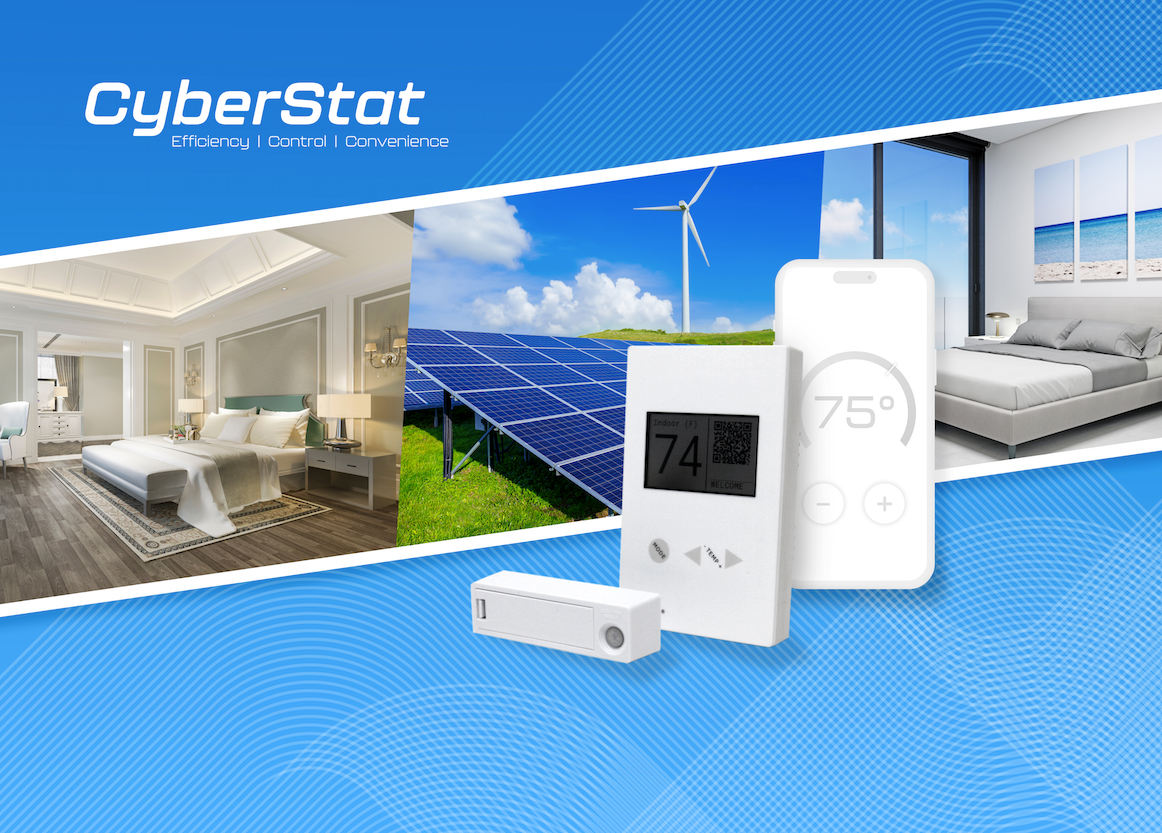
Wi-Fi thermostats for homes, rentals and hotels, engineered in Lexington, KY. Control from any web browser: no app, no location tracking, no subscription.
The facts
- Country
- United States
- Phone
- (859) 568-3575
- support@
motison. com - Founded
- 2011
- Languages
- English
- Ships to
- United States
- Returns
- within 30 days Returns page
What they sell
Web shop on Shopify: 2 products, $79.99–$89.99
 CY2401WFR: Vacation/Rental Property Thermostat$89.99In stock
- CY2401WF: Programmable Residential Thermostat$79.99In stock
2 products, read 37 h ago
2 products, prices $79.99–$89.99, as published by the shop (read from the shop 37 h ago; the shop last changed its products 26 November 2026; last change seen here 7 days ago). Prices and stock change; the shop’s website has the current ones.
About
Control your heating and cooling from any web browser. No app to install, no location tracking, no subscription. Lock in the temperature range and modes from any web browser, for every property you manage. No subscription. Guestroom climate control, designed and engineered in Lexington, Kentucky.
Prices
| CY2401WF: Programmable Residential Thermostat | $79.99 |
| CY2401WFR: Vacation/Rental Property Thermostat | $89.99 |
Prices as shown on the website when it was last read; the business may have changed them since.
Frequently asked questions
Does CyberStat work with 5 GHz Wi-Fi?
No. CyberStat requires a 2.4 GHz Wi-Fi network and does not work with 5 GHz Wi-Fi. Most routers broadcast both bands; connect CyberStat to the 2.4 GHz network. If your router combines both bands under one network name, look in its settings for a separate 2.4 GHz network or a compatibility option. Mesh networks are supported.
Is CyberStat compatible with my HVAC system?
Most likely – yes. CyberStat is designed to work with most common HVAC systems in the US. CyberStat does not work with line-voltage heating systems. It also does not work with ductless mini-split systems.
Is my thermostat wiring adequate?
CyberStat needs a common or “C” wire to draw power from the HVAC system. Most thermostat wirings have a common wire. Therefore, most people don’t have to worry about this. If you want to be sure, detach your thermostat from its mounting plate and see if there is a black or brown wire or a wire connected to “C” terminal – this is your “C” wire. Sometimes, the “C” wire is folded back and tucked inside the wall. Be sure to examine all the wires coming out of thermostat cable. If you didn’t see the typical common (black or brown) wire, but see another unused wire you should be able to use it as…
How do I connect a common wire?
If your existing thermostat did not use common wire, it may have been left unconnected on both ends. Common wire must be connected properly to power up CyberStat. First identify the common wire on the thermostat side—this is a black or brown wire or a wire connected to “C” terminal. If you don’t see a standard common wire you can use any other unused wire as common wire.Connect the common wire to “C” terminal of CyberStat. On the other end of the thermostat cable, connect the same wire to the “C” terminal of indoor Air-Handler unit. Indoor air-handler unit is usually located in a closet…
I don’t have a C (common) wire. What are my options?
If there’s no spare wire in your thermostat cable to use as common, you have two other options:Use the fan (G) wire as common. Move the green wire from G to C at both the thermostat and the furnace or air handler. Then, at the furnace only, add a jumper wire between Y and the now-empty G terminal. You lose the ability to run the fan on its own.Use an external 24 V AC power supply. It must be an isolated transformer. The easy way to tell: its plug has two blades of equal width, not three. We recommend the ELK TRG2440. Connect its two wires to the R and C terminals on the thermostat only, in…
My wire colors and terminal names don’t match. What should I do?
Follow the terminal names.
CyberStat does not power up. What should I do?
First, make sure the wires on “R” and “C” terminals of CyberStat are connected correctly. Second, make sure that the wire you connected to the “C” terminal of CyberStat is also connected to the “C” terminal of air-handler unit. See “How to connect a common wire” in the manual for more instruction.If the display has a red glow, see “The display has a red glow and my heating or cooling stopped.”
How do I set my HVAC system type (conventional or heat pump)?
On the CY2401, you set the system type on the thermostat’s own setup page, not with the buttons.Press and hold Up and Down together. Let go when the display shows SE.On your phone or computer, connect to the CyberStat Wi-Fi network.Open a browser, go to 192.168.1.3, choose your system type and save.If your heating or cooling doesn’t behave as expected after installing, check this setting first.
Why doesn’t my heating or cooling start right away?
CyberStat waits about 5 minutes before turning your system back on after it shuts off. This protects your equipment from turning on and off too quickly (short cycling). After the thermostat restarts, the first wait is only about 10 seconds.
I replaced an older CyberStat. Is there anything I should check?
You can keep the existing wall plate and snap the new unit on. After you install it:Confirm the HVAC system type is set correctly, especially for heat pumps (see “How do I set my HVAC system type?”).Update the firmware (see “How do I update my thermostat’s firmware?”). If the fan or furnace behaves differently than with your old thermostat, a firmware update is the first thing to try.
Will the CY2401 fit where my old CyberStat was?
Yes. The CY2401 replaces the CY1101 and CY1201 with no wiring changes. If you use an external power supply, use an isolated 24 V AC transformer such as the ELK TRG2440. A higher-voltage supply can damage the thermostat: a sustained high voltage blows an internal fuse that can’t be reset.What’s better in the CY2401: 2.4 GHz 802.11b/g/n Wi-Fi that works with mesh networks, 4 A per circuit (up from 1 A), surge protection, and a resettable circuit breaker.
During Wi-Fi setup, my network SSID does not show up. What should I do?
CyberStat connects to 2.4 GHz Wi-Fi only (802.11b/g/n). Make sure your router’s 2.4 GHz band is turned on. If the SSID still does not show up, select hidden network then type the SSID manually.
I’m setting up Wi-Fi from my phone and the setup page won’t load. What should I do?
Using an Android phone? Recent Android versions block Chrome from reaching devices on your home network unless you allow it. Before you start, go to Settings → Apps → Chrome → Permissions → Nearby devices and choose Allow. Android may warn that the app was designed for an older version of Android; that’s expected. You can switch it back to Don’t allow once setup is done.Put your phone in airplane mode and turn Wi-Fi back on. Then press and hold the Up and Down buttons together and watch the display. It shows 00 (restart), then SE (setup), then - - (factory reset). Let go when you see SE.…
CyberStat does not connect to my Wi-Fi network. What should I do?
A few things to consider:Make sure there are no leading or trailing spaces in the SSID.Detach CyberStat from its wall plate, wait a few seconds, mount it back then try setting up again.If you’re setting up from a phone, put it in airplane mode and turn Wi-Fi back on first.Try a separate 2.4 GHz-only network name.Still stuck? Email support@motison.com before returning. Most connection problems are router settings we can help with.
The web app says my thermostat is offline. How do I fix it?
If the web app shows Offline, the thermostat isn’t reaching our servers, even if the light on the device looks normal. This usually follows a change on your network: a new router, a router restart or firmware update, or a new Wi-Fi password.Power cycle your router: unplug it, wait about 30 seconds, then plug it back in.If the thermostat still hasn’t reconnected after a few minutes, power cycle it: detach it from its wall plate for a few seconds, then put it back.If it’s still offline, run the Wi-Fi setup again (see “I’m setting up Wi-Fi from my phone and the setup page won’t load”).If it…
Features
Read from cyberstat.com. Last read 37 h ago. 7 of 11 key facts have a value; missing: location or service area, opening hours, social profiles, booking, order, menu or pricing link. Where these facts come from