svgpopstore
Online shop · Historic New Castle, United States · svgpopstore.com
Unclaimed · Not verified by owner

Layered SVG files, DXF files for Silhouette Studio, digital cliparts for cutting machine, svg for Cricut machine, svg files layered by colors, dxf files that really works on silhouette, svg clip art, print designs, clipart for party decoration, party supply, layered svg clipart for shirt design…
The facts
- Country
- United States
- Languages
- English
- Ships to
- United States, Australia, Belgium, Canada, Chile, Germany, Spain, France, United Kingdom, Hong Kong, South Korea, Mexico
What they sell
Web shop on Shopify: 237 products, $2–$3.90
Show 3 more categories
 The Grinch Christmas 200 SVG cliparts bundle, svg cut files for Cricut / Silhouette, Grinch Christmas png N3$3.90In stock
- The Grinch Christmas 200 SVG cliparts bundle, svg cut files for Cricut / Silhouette, Grinch Christmas png N2$3In stock
- The Grinch Christmas 200 SVG cliparts bundle, svg cut files for Cricut / Silhouette, Grinch Christmas png N1$3In stock
 Gabby's Dollhouse BIG BUNDLE 500 clipart files, Gabby Dollhouse svg cut files for Cricut / Silhouette, png files N3$3.90In stock
 Wednesday Addams Big Bundle 500 clipart files + alphabet, svg cut files for Cricut / Silhouette, Wednesday PNG files N3$3.90In stock
 Spongebob Squarepants BIG BUNDLE 500 clipart files, SpongeBob svg cut files for Cricut / Silhouette, Spongebob png N3$3.90In stock
 Scooby-Doo Big Bundle 500 clipart files, Scooby Doo SVG cut files for Cricut / Silhouette, PNG images N3$3.90In stock
 PJ Masks Big Bundle 500 clipart files, PJ Masks SVG cut files for Cricut / Silhouette, PNG files N3$3.90In stock
 Paw Patrol Big Bundle 500 clipart files, svg cut files for Cricut / Silhouette, Paw Patrol png files N3$3.90In stock
 Naruto Big Bundle 500 clipart files, Naruto svg cut files for Cricut / Silhouette, png files N3$3.90In stock
 Miraculous Ladybug BIG BUNDLE 500 clipart files, Miraculous SVG cut files for Cricut / Silhouette, Ladybug PNG N3$3.90In stock
 Minions Big Bundle 500 clipart files, Minions SVG cut files for Cricut / Silhouette, PNG files N3$3.90In stock
12 of 237 products, read 10 h ago
12 of 237 products, prices $2–$3.90, as published by the shop (read from the shop 10 h ago; the shop last changed its products 28 November 2026; last change seen here 5 days ago). Prices and stock change; the shop’s website has the current ones.
About
You will receive:* 1 SVG file (layered by color),* 1 PNG file (high resolution, 300 dpi),* 1 PDF file,* 1 DXF file,* 1 EPS file. You will receive:* 1 SVG file (layered by color),* 1 PNG file (high resolution, 300 dpi),* 1 PDF file,* 1 DXF file,* 1 EPS file. You will receive:* 1 SVG file (layered by color),* 1 PNG file (high resolution, 300 dpi),* 1 PDF file,* 1 DXF file,* 1 EPS file.
Prices
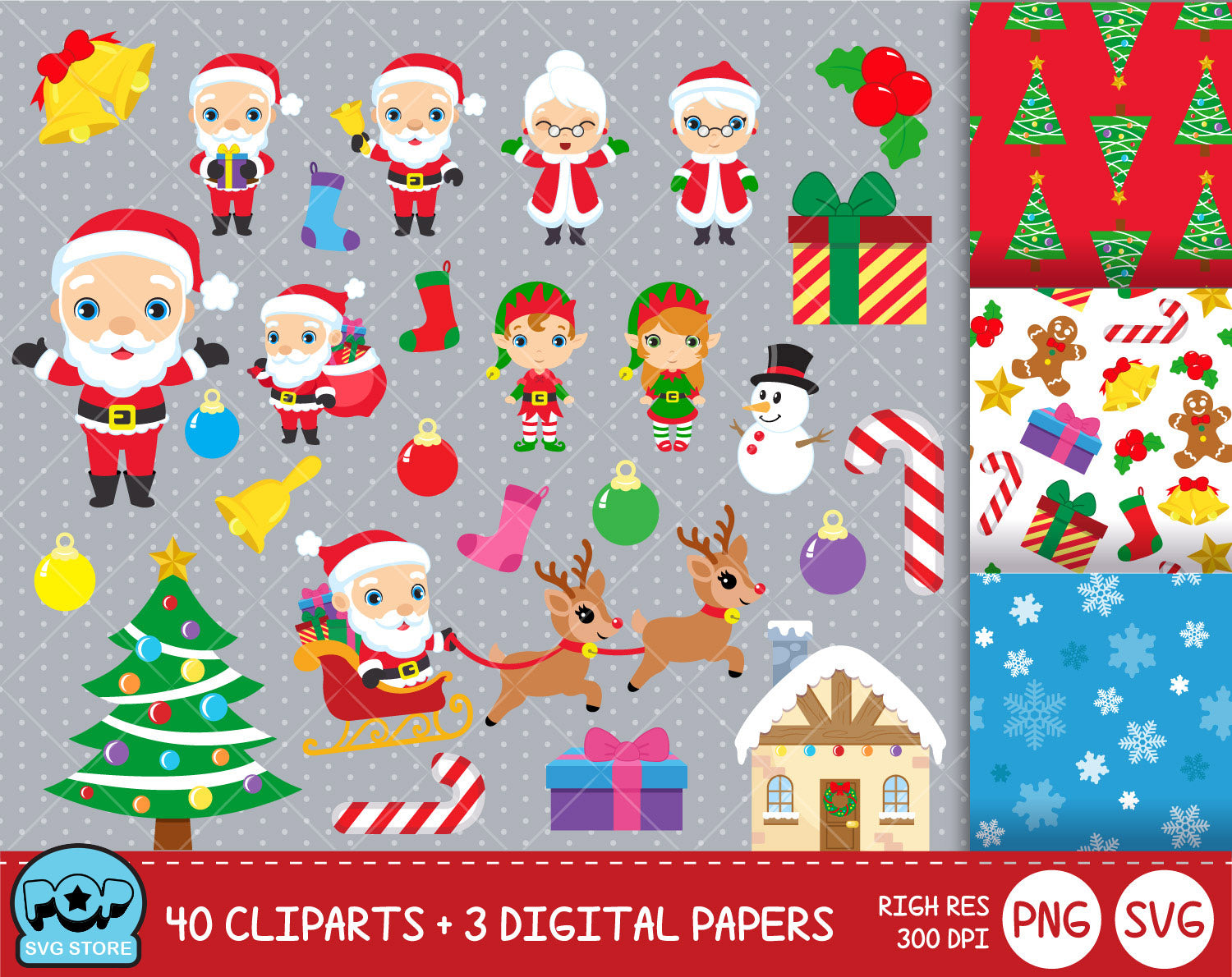
| Cute Christmas clipart set, Digital clip art for decoration, scrapbooking, PNG, | $3 |
| Cute Nativity clipart set, Digital clip art for decoration, scrapbooking, PNG, S | $3 |
| Cute Star Wars clipart set, Digital clip art for decoration, scrapbooking, PNG, | $3 |
| Cute Avengers clipart set, Superheroes clip art for decoration, scrapbooking, PN | $3 |
Prices as shown on the website when it was last read; the business may have changed them since.
Frequently asked questions
How do I unzip downloaded files?
To open a zipped file on a PC, double-click the zipped file to see its contents. When prompted, drag the files out of the window to the desired location or click Extract All. When you click Extract All, the files are unzipped in the same location as the original file unless you specify a different one in the Select a Destination window.To decompress (unzip) a file or folder on a Mac, double-click it.
How do I use my purchased files in my Silhouette Studio software?
If you have Basic Silhouette Studio software you will need to use DXF format files. Import DXF file by going to “File -> Import -> Import to Library…” in your Silhouette Studio, and then browse to DXF files location.If you have Designer Edition Silhouette Studio software you will need to use SVG format files. Import SVG file by going to “File -> Import -> Import to Library…” in your Silhouette Studio, and then browse to SVG files location. You may need to select “SVG” in “Files of type” dropdown box.
How do I import multiple files into my Silhouette Studio’s Library at once?
Instructions:1) Go to your Library in Silhouette Studio2) Open a separate File Explorer (outside Silhouette program). Browse to the folder where your DXF/SVG files are stored3) Arrange Silhouette Studio (with opened Library) and File Explorer windows on your screen so you can see both at the same time.4) In File Explorer window select all the DXF/SVG files you want to import with your mouse.5) Now drag the selected files from File Explorer and drop into “My Library” area in Silhouette Studio. Alternatively, you can drop the files on any of the folders you see under “My Library” folder in the…
How do I weld letters/designs together the right way in Silhouette Studio software?
Before welding do the following for each letter/design you wish to weld together:1) Select the letter/design with your mouse.2) Click on "Make" under Compound Path in MODIFY Window.Once all the letters turn red, arrange them the way you like and select all of them at once with your mouse. Click on "Weld" under Modify in MODIFY Window and you're all set!
How do I use/import SVG file in Cricut Design Space?
Follow these instructions to import SVG file into your Cricut Design Space software:1) In Cricut Design Space click on “Upload Images” link on the left.2) Click “Upload Image” button.3) Click “Browse Image” button.4) Browse to the folder with your SVG file.5) Chose the required file. Click Open and then Save.Is there a way to import multiple SVG files into Cricut Design Space at once?Currently, Cricut Design Space only supports importing one SVG file at a time. As a workaround, import SVG file from CRICUT folder that contains all of the SVG files on same page, and then edit out the unwanted…
Do you offer refunds?
By the very nature of digital downloads, these files are not “returnable”. As such, we do not offer refunds or exchanges for any reason. For this reason, we ask that you take the time to verify that you are purchasing file types that will work with your machine, and for your needs.
Read from svgpopstore.com. Last read 10 h ago. 8 of 11 key facts have a value; missing: location or service area, opening hours, features. Where these facts come from