The Retrocams
Online shop · Clovis, United States · theretrocamsuk.com
Unclaimed · Not verified by owner

The facts
- Country
- United States
- Languages
- English, German, French
- Ships to
- Worldwide (23 countries)
- Shipping information
- Shipping page
What they sell
Web shop on Shopify: 2 products


2 products, read 5 days ago
2 products, as published by the shop (read from the shop 5 days ago; the shop last changed its products 23 November 2026; last change seen here 5 days ago). Prices are being read again; the shop’s website has them.
About
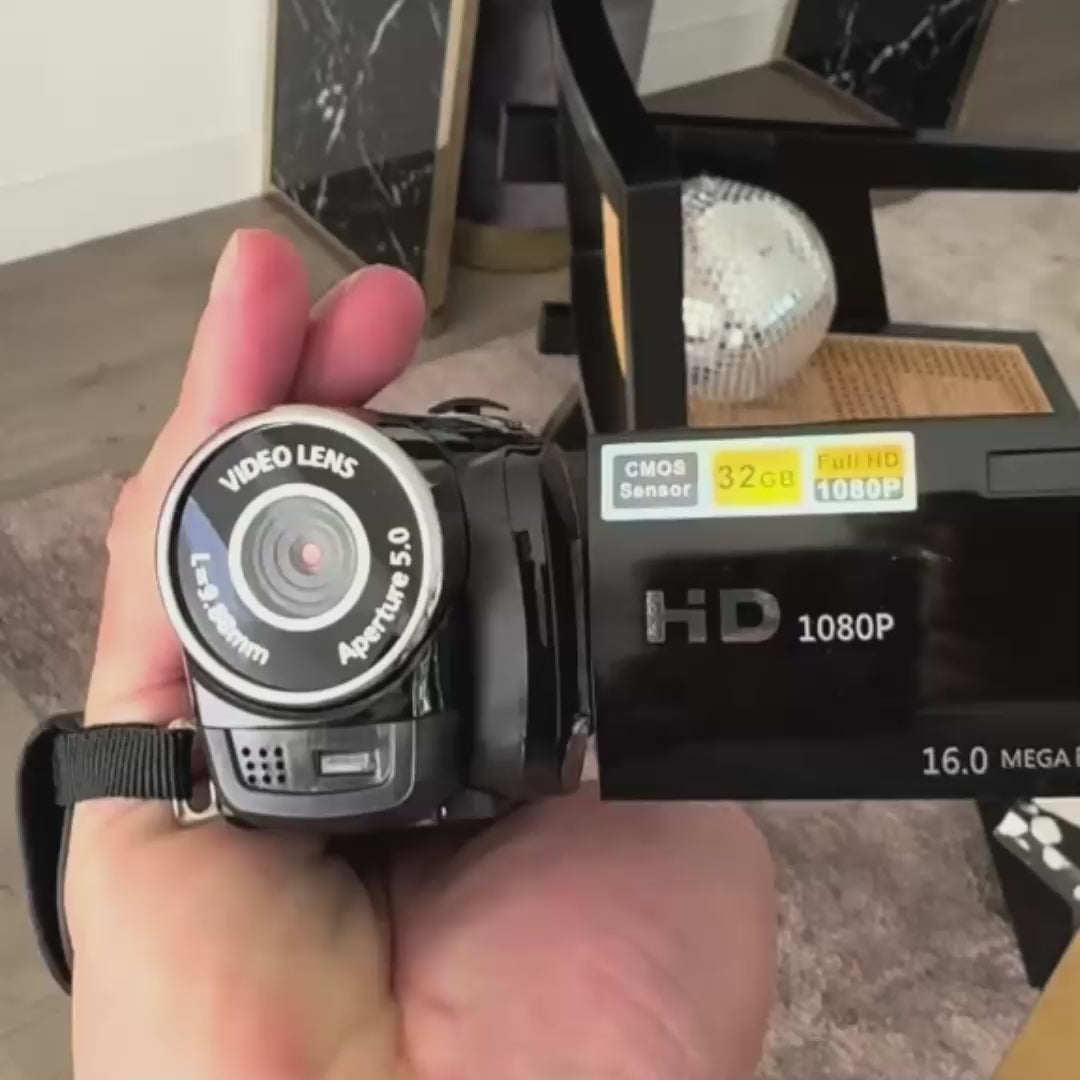
Like many others, we miss the 2000s—the fashion, the aesthetic, the vibe. At Retrocams, we’re bringing that era back to life with our retro camcorders. Capture memories with a nostalgic charm that modern cameras and smartphones simply can't recreate. Don't miss the chance to be part of a timeless era.
Frequently asked questions
Do I need to use a memory card?
If you plan to store extra videos (30 - 50 hours) we recommend using the 32GB Micro SD card
What is the resolution?
The camcorder captures in 240 - 1080p resolution, ensuring high-quality videos while also giving the retro aesthetic.
How to transfer to phone?
To transfer videos and images from our T.O.S Camcorder to your device, follow these simple steps:1. Connect the camcorder to your computer using the provided USB cable. 2. Once connected, your computer should recognize the camera as a removable storage device. 3. Open the folder containing the images on your camera. 4. Select the images you want to transfer and copy them to a folder on your computer. 5. Once the videos are copied, you can then tranfer them to your chosen device using your preferred method, such as emails, cloud storage, or a USB flash drive.
Does it take photos?
Yes, our camcorder also takes pictures in 240p - 1080p resolution. Also giving that retro aesthetic to every photo.
What's in the box?
Package contents:. T.O.S • Retro camcorder. Memory card. USB cable. User manual. Carrying case. Neck strapIf you intend to store additional videos (30 to 50 hours), we recommend using a 32 GB Micro SD card.
How do I transfer it to my phone?
To transfer videos and images from our TOS camera to your device, follow these simple steps:1. Connect the camcorder to your computer using the provided USB cable.2. Once connected, your computer should recognize the camera as a removable storage device.3. Open the folder containing the images on your camera.4. Select the images you wish to transfer and copy them to a folder on your computer.5. After copying the videos, you can transfer them to your chosen device using your preferred method, such as email, cloud storage, or a USB flash drive.
Features
Read from theretrocamsuk.com. Last read 5 days ago. 8 of 11 key facts have a value; missing: location or service area, opening hours, booking, order, menu or pricing link. Where these facts come from