AvicoTech
Shops & Retail in Miami · Web shop on Shopify · avicotech.com
Engineered to last with expert tech support, featuring video demos and phone assistance. Based in Miami, FL.
- Address
- © 2024 Avico Tech. All Rights Reserved. Map
- Country
- United States
- Languages
- English
- Ships to
- Worldwide
- Social
- YouTube
What they sell
Web shop on Shopify: 27 products, $8.99–$749.99
 HD Webcam$19.99In stock
 DUAL MONITOR 2-PORT KVM – HDMI + DISPLAYPORT – 4K 60HZ UHD – AUDIO OUTPUT & USB SHARING – 4X2$149.99In stock
 Avico Dual Monitor KVM Switch with USB 3.0 and HDMI Ports | Dual 4k60hz | Seamless Switching$199.99In stock
 8x8 Video Matrix HDMI 2.0 | ARC | 4K60 | HDR | Dolby Vision | Downscaling | Web GUI$749.99In stock
 4x4 Video Matrix HDMI 2.0 | ARC | 4K60 | HDR | Dolby Vision | Downscaling | Web GUI$349.99In stock
 4x4 HDMI 2.0 Matrix Switch 4K | 1080P$299.99In stock
 USB 3.0 to VGA Adapter$14.99In stock
 USB 3.0 to HDMI Adapter$24.99In stock
 Mini DisplayPort 1.2 to HDMI 2.0 Cable (6.5 ft)$17.99In stock
 Mini DisplayPort 1.2 to HDMI 2.0 Adapter$14.99In stock
 DisplayPort 1.2 to HDMI 2.0 Adapter$15.99In stock
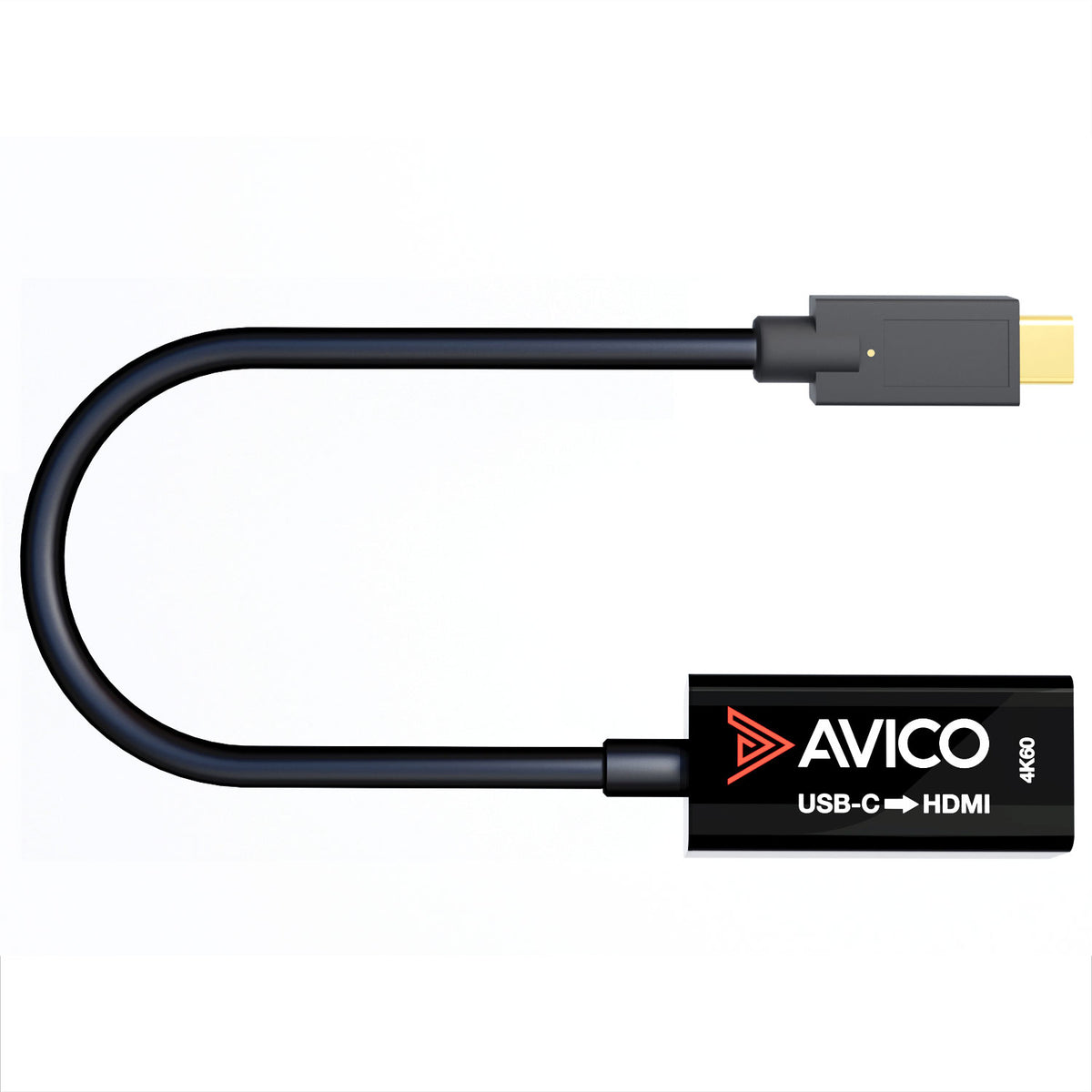
 USB-C to VGA Cable (6.5 ft)$15.99In stock
12 of 27 products, prices $8.99–$749.99, as published by the shop (read from the shop 45 h ago; the shop last changed its products 22 November 2026; last change seen here 45 h ago). Prices and stock change; the shop’s website has the current ones.
About
For inquiries, support, or any questions you may have, please don't hesitate to reach out to us: We'd love to hear from you - please use the form to send us your message or ideas.
Prices
| Adapter | $17.99 |
| Cable | $18.99 |
| Adapter + Charging | $22.99 |
Prices as shown on the website when it was last read; the business may have changed them since.
Frequently asked questions
WHAT IS A KVM?
A KVM (keyboard, video, mouse) switch is a hardware device that allows a user to control multiple computers from a single keyboard, video monitor, and mouse. Previously KVM's were mostly seen in data centers but in recent years have expanded to the consumer market due to the number of video devices that many homeowners use (computers, streaming devices, game consoles, security systems, etc.)
WHY DO I NEED A KVM INSTEAD OF AN HDMI SWITCH?
A KVM is different from an HDMI switch by adding the keyboard and mouse functionality. HDMI switches are very inexpensive because they are very limited in functionality. If a computer is one of the many inputs that need to be managed, a KVM will be the preferred device.
WHO USES A KVM?
Yes. If you have issues with functionality, please try the USB2.0 port. Please note that using the USB 2.0 port will disallow keyboard hotkeys for switching. Only dedicated keyboard/mouse ports have hotkey functionality.
CAN I USE A WIRELESS MOUSE/KEYBOARD?
Yes, most wireless keyboard/mouse are compatible with Avico KVM. If you experience any lagging mouse or keyboard not functioning properly please email us at contact@avicotech.com and describe your computer environment. If we are unable to resolve the issue, we can provide a new device to confirm the problems are specific to that unit or initiate a hassle-free return.
CAN I USE A BLUETOOTH KEYBOARD/MOUSE?
No, the KVM does not have built in Bluetooth. Therefore any Bluetooth device will bypass the KVM and connect directly to the computers. For example Apple Magic Mouse and Magic Keyboard will not connect to the KVM. If you can connect the device to a USB dongle then connecting this to the USB 2.0 port of the KVM it could work.
CAN I USE DUAL MONITORS?
Yes, Dual Monitors are supported. Each computer needs 2 video connections for the dual monitors to work, a single video connection cannot be split/extended. If you are not sure how to product two video connections from your computer send us a message contact@avicotech.com
CAN I USE A SINGLE MONITOR WITH DUAL MONITOR KVM?
Yes, you can use a dual monitor KVM with a single monitor setup.
CAN I CONNECT TO VGA / DVI / DISPLAYPORT?
Yes, please see the list of approved adapters for each protocol.Avico Adapters
DO THE KVM SWITCHES SUPPORT ULTRAWIDE MONITORS?
Yes. They support all 21:9 and 16:9 monitors. Send us a message if you are not sure about your monitor, we will look at the manual specifications and make sure everything is compatible. contact@avicotech.com
WHICH KEYBOARDS/MICE ARE SUPPORTED? Is my keyboard compatible?
All keyboards and mice will work through the USB3.0 ports but they will not have hotkey functionality. Keyboard/Mouse connected to the dedicated keyboard/mouse ports will have hotkey command access. Here is a list of tested keyboards; Keyboard Compatibility List
HOW DO I TURN OFF THE AUDIO BEEP / BUZZ WHEN SWITCHING?
Using the hotkey command: Scroll Lock, Scroll Lock, B.
WHY IS THE REMOTE BATTERY NOT INCLUDED & WHAT BATTERY IS NEEDED?
Due to robust demand, we typically ship the products airfreight. This has caused issues with hazardous goods regulations. The remote requires a CR2025 battery, which can be found at most convenience and grocery stores.
I HAVE A MAC KEYBOARD THAT DOES NOT HAVE A SCROLL LOCK KEY. CAN I REASSIGN THE SCROLL LOCK HOTKEYS?
Yes, you can change the hotkey command to several options (Scroll Lock, H, Cap Lock, ESC, F12, Num Lock). Check out our hotkey switching guide; Hotkey Switching Guide
CAN THE SWITCH HANDLE MULTIPLE INPUTS WITH DIFFERENT RESOLUTIONS AND ADAPTERS?
Absolutely. Each port is equipped with EDID. The switch will adjust the resolution for each port based on the capabilities of the input device and monitor. If Port 1 has a computer that can only provide 1920x1080, you can also have a computer in Port 2 at 3840x2160. The switch will send the appropriate resolution to the monitor. Likewise, if one computer requires an adapter such as VGA to HDMI, you can continue to use a normal HDMI cable on the other ports. Please note that your monitor will need to accept 3840x2160 to achieve that resolution.
DO THE KVM'S WORK WITH MACINTOSH COMPUTERS?
Yes, we have tested Macintosh computers from 2014 all the way to the latest Silicon Macs. All OS systems have been tested and work great.