Booth Junkie
Software & SaaS · United Kingdom · Web shop on WooCommerce · boothjunkie.co.uk
Booth Junkie develops photobooth and magic mirror software for Windows, licensed to photobooth operators in over 80 countries. Booth Junkie supplies the software that photo booths run on; it does not operate booths or run events itself.
- Address
- Serves Worldwide, United Kingdom, United States, Philippines, France, Australia, Germany, Spain, Mexico, Ireland, Canada, Netherlands, Brazil
- Read on: home pagestructured data
- Country
- United Kingdom
- Read on: home pagepage text
- Founded
- 2017
- Read on: home pagestructured data
- Payment
- Visa, Mastercard, American Express
- Read on: /terms-conditions/page text
- Languages
- English
- Read on: home pagepage metadata
- Service area
- Worldwide, United Kingdom, United States, Philippines, France, Australia, Germany, Spain, Mexico, Ireland, Canada, Netherlands, Brazil
- Read on: home pagestructured data
- Registration
- Company no. 11048296
- Read on: /terms-conditions/page text
What they sell
Web shop on WooCommerce
Facts as published by the shop. Prices and stock change; the shop’s website has the current ones.
About
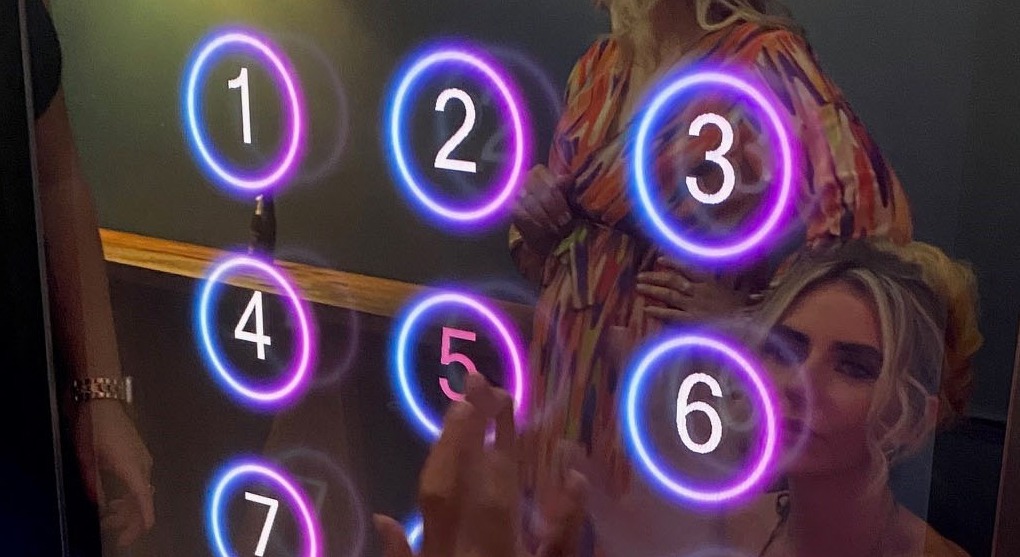
Booth Junkie is photo booth software that drives the camera, runs the touchscreen, designs the print and delivers the photos. Green screen, compositing and branded print design are there when a brief calls for them, and out of the way when it does not. It has supplied the industry for 10 years and is used in about 80 countries. Live view puts the group on screen while the camera frames, so nobody is cut off at the edge of the print. They tap, they pose, they pick a filter, they sign it, and they enter their own number to have it sent. That delivery is direct, and the difference is worth being precise about: the guest types their number and the photo itself arrives in their WhatsApp.
Prices
| Booth Junkie | £333 |
Prices as shown on the website when it was last read; the business may have changed them since.
Frequently asked questions
Is Booth Junkie a subscription?
No. A Lifetime Licence is bought once and stays yours. Premium is included for the first twelve months, and the software keeps working when that lapses. It does not stop at the end of a billing period, and it does not start watermarking photos on a licensed machine.
Does the free trial watermark my photos?
Yes. The 30 day trial runs the complete application with every Premium feature enabled, but the photos it produces carry a watermark. Buying a licence removes it permanently.
Can it do something the feature list does not mention?
Often, yes. A good deal of what Booth Junkie does now exists because an operator was asked for something unusual and we built it. If you have a brief and are not sure it is possible, ask.
Will it work with my printer?
If Windows can print to it, Booth Junkie can print to it. There is no separate compatibility list. That covers dye-sublimation booth printers, ordinary office printers, and Print to PDF for testing.
Which cameras are supported?
Canon DSLR and mirrorless bodies are driven directly over USB with live view on the booth screen, and standard USB webcams work as an alternative.
What does it run on?
Windows 10, on the small form factor PCs that fit inside a booth. No dedicated graphics card needed.
Do you ship to the United States?
Yes. We ship to the United States regularly, along with Canada, Australia, and countries right across Europe and beyond. Orders are sent tracked, and you choose the service at checkout.
How much is international shipping?
It depends on the size and weight of your order and the service you pick. You will see the exact cost at checkout before paying — there are no surprises added afterwards.
How long will my order take to arrive?
Typically 7–10 working days for international deliveries once dispatched, and quicker if you choose an express service.
Can I pay in US dollars?
Orders are charged in pounds sterling. Your card issuer converts it automatically at their rate, so there is nothing extra for you to do.
Will I have to pay customs charges?
Possibly, depending on your country’s rules. Any import duties or taxes are payable by you on arrival. Your local customs office can advise before you order.
Do I need anything shipped to use the software?
No. The software is downloaded, so you can be up and running immediately wherever you are.
Do I need an internet connection at the event?
Only for the AI features, because those are processed online while the guest waits. Everything else runs offline. SMS, WhatsApp, email, the online gallery, FTP, Facebook, Dropbox and Google Drive all go into the Upload Queue instead of sending immediately, so you can run an entire event with no connection at all, bring the booth online the following day, and every photo will send itself.
Do I need Premium for the booth to work?
No. Standard runs the booth end to end: the camera, the screen, the two layout editors, workflows, signing and drawing, and printing. Premium is what gets the photo off the booth (WhatsApp, SMS, email, the online gallery and the cloud uploads), along with the AI features, the content catalogue and ongoing updates.
What happens when Premium runs out?
The software keeps working. A licence lasts the lifetime of the machine, so the booth carries on capturing, designing and printing, and it does not start watermarking photos on a licensed machine. The Premium features stop until you renew, and you can renew whenever you need to rather than on a schedule.
How does the AI work?
Pick a style from the built-in AI Gallery with one click, or write your own prompt. A prompt is configured on the individual workflow step rather than as a single setting, so different parts of a session can do different things, and a prompt you like can be saved as a preset and reused anywhere. Processing happens on online services, so it draws on AI Credits from your account rather than being covered by the licence.
Which cameras and printers work?
Most Canon DSLR and mirrorless bodies over USB, and any webcam following the UVC protocol. Printing goes through Windows, so anything Windows can print to will work. There are full lists on the supported cameras and printers and running costs pages.
Where do I get templates?
Booth Junkie has a built-in template library, and we add new designs to it regularly at no extra cost with Premium. The Print Layout designer lets you build your own too. Any PNG template with transparency works as well, so designs you already own carry over. There is a list of studios that sell them on the photo booth templates page.
Can it do something not on this page?
Often, yes. A good deal of what Booth Junkie does now exists because an operator was asked for something unusual and it was built. Between the workflow editor and the two layout editors there is more scope than a feature list can describe, so it is worth asking.
How does it compare with other photo booth software?
We have put Booth Junkie side by side with seven other Windows programs, checked against each company’s own website, in the best photo booth software for Windows.
Features
10 of 11 key fields on this card have a value. Missing: Opening hours.
- Name
- Summary
- About text
- Contact
- Address or area
- Opening hours (missing)
- Services, prices
- FAQs
- Features
- Social profiles
- Booking, order, menu