
CallGenie
Shops & Retail in West Mersea · Web shop on WooCommerce · callgenietv.com
CallGenie turns your loved one's TV into a simple video phone. No buttons, no confusion - calls answer automatically. Perfect for those with memory loss or mobility issues.

- Address
- 45 Fairhaven Ave, CO5 8EZ West Mersea, Colchester, United Kingdom Map
- Country
- United Kingdom
- Opening hours
- Mo,Tu,We,Th,Fr,Sa,Su 09:00-17:00Details
- Phone
- +441252 918824
- Price range
- $$
- Founded
- 2015
- Payment
- iDEAL
- Languages
- English
- Shipping information
- Shipping page
- Social
What they sell
Web shop on WooCommerce: 19 products, £4.07–£649.99
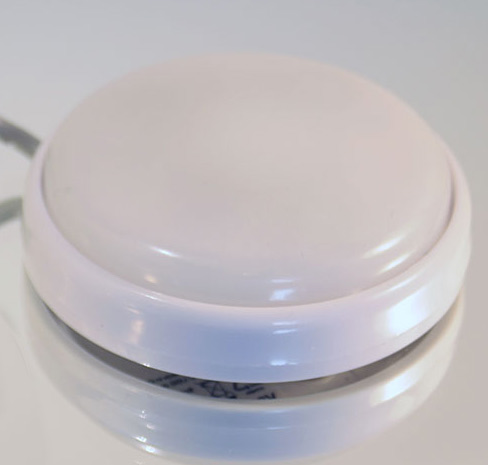 Outbound Call Button£60In stock
- Do Not Disturb Button – Designed for personal care situations£40In stock
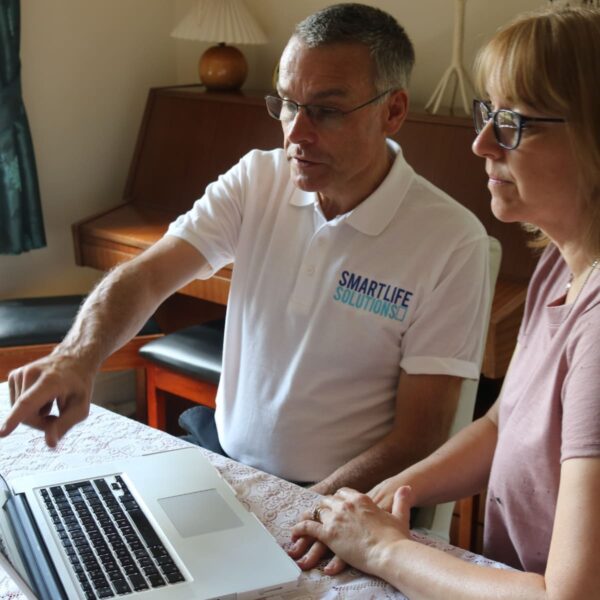 Support – Annual Service Plan£90In stock
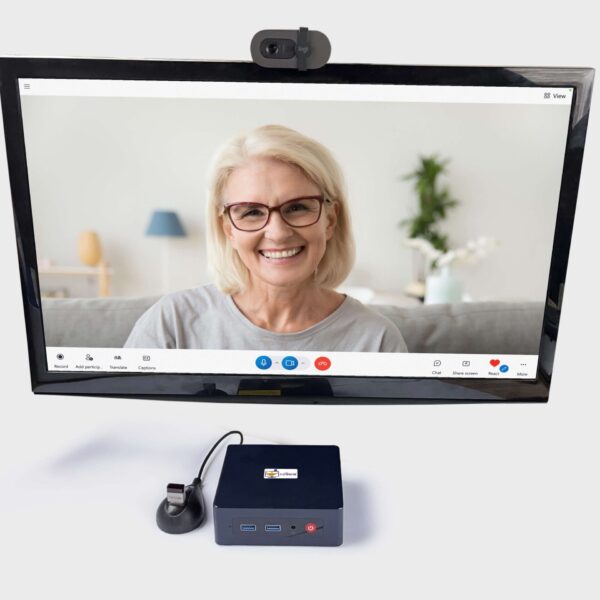 CallGenie (Standard) | TV Video Calling for Older People£549.99In stock
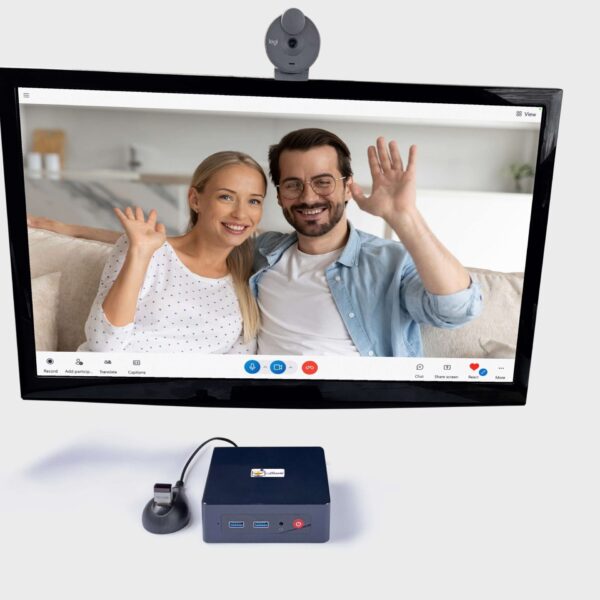 CallGenie (Wide) | TV Video Calling for Bed and Chair£599.99In stock
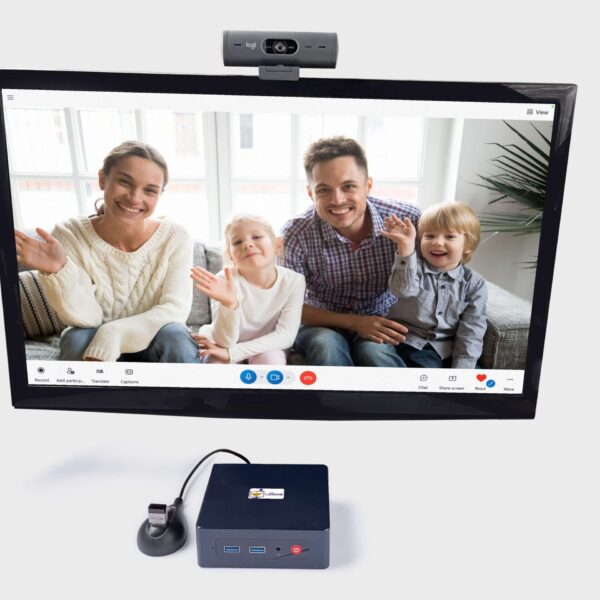 CallGenie (Zoom) | TV Video Calling for Larger Rooms£649.99In stock
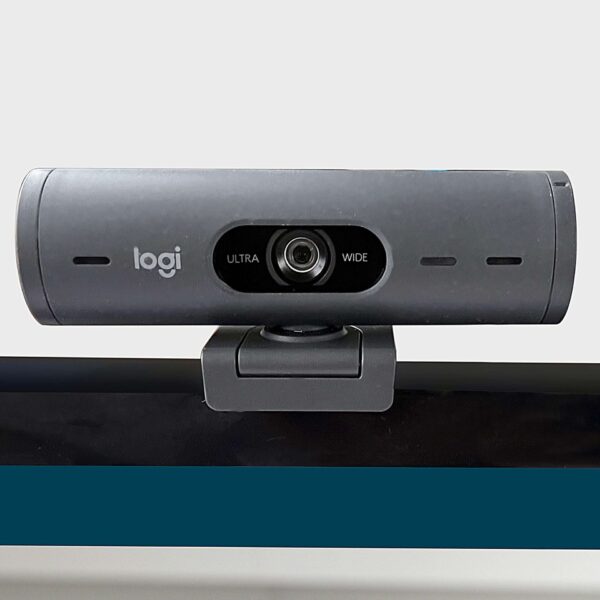 Full HD Webcam – Zoom£129.99In stock
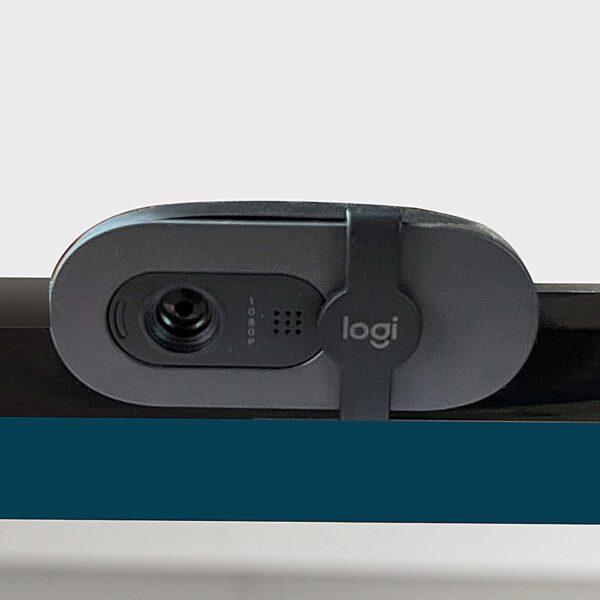 Full HD Webcam – Standard£39.99In stock
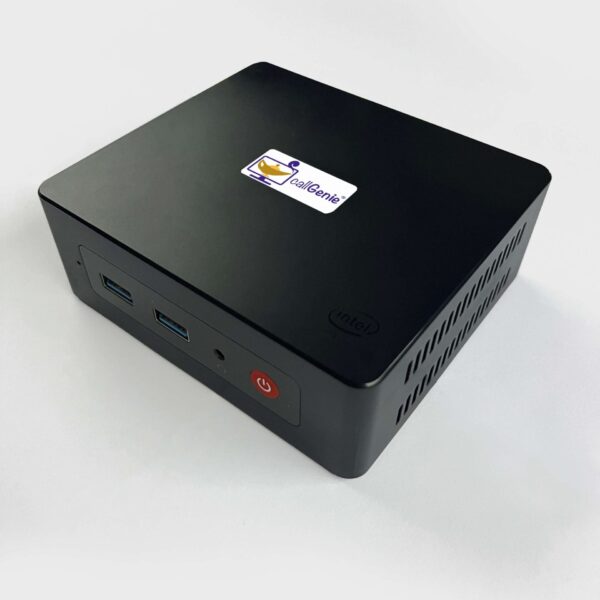 CallGenie Mini PC Premium£180In stock
- Support – Pay As You Go – 1 Hour Services£60In stock
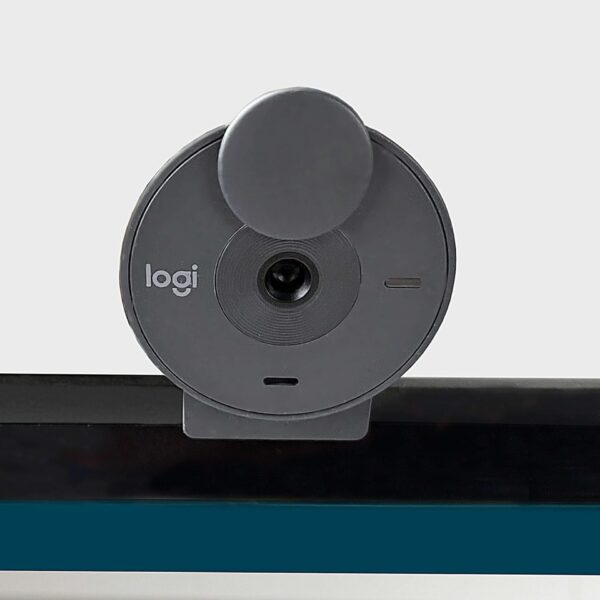 Full HD Webcam – Wide£74.99In stock
- Support – Pay As You Go – ½ Hour Services£30In stock
12 of 19 products, prices £4.07–£649.99, as published by the shop (read from the shop 11 h ago; the shop last changed its products 31 October 2026; last change seen here 11 h ago). Prices and stock change; the shop’s website has the current ones.
Opening hours
| Mo,Tu,We,Th,Fr,Sa,Su 09:00-17:00 |
Times in the business’s local time (Europe/London). Hours as written on the website.
About
CallGenie started as a project in early 2017 to provide a way for Graham, the founder of Smart Life Solutions, to make video calls to his elderly mother, Jean, who suffered with dementia and mobility issues. Jean wasn’t accustomed to using technology to communicate, which is the case with many elderly people. She could use a phone and the remote control for her television. But mobile phones and tablets were left in drawers, with no charge. Graham drew on his IT background, convinced that in amongst the emerging smart home technologies there would be a solution.
Services
- Additional information
- 8 reviews for CallGenie (Zoom) | TV Video Calling for Larger Rooms
- 46 reviews for CallGenie (Wide) | TV Video Calling for Bed and Chair · Sorry, no reviews match your current selections
- You may also like…
- CallGenie (Zoom) | TV Video Calling for Larger Rooms
- 52 reviews for CallGenie (Standard) | TV Video Calling for Older People
- CallGenie (Wide) | TV Video Calling for Bed and Chair
Prices
| CallGenie Zoom | TV Video Calling for Larger Rooms | £649.99 |
| CallGenie Wide | TV Video Calling for Bed and Chair | £599.99 |
| CallGenie Standard | TV Video Calling for Older People | £549.99 |
Prices as shown on the website when it was last read; the business may have changed them since.
Frequently asked questions
What is CallGenie?
CallGenie is a simple video calling device that connects to the user’s television, making it easy for elderly or disabled individuals to stay in touch with loved ones—without having to press any buttons or use complex technology.
What is included with CallGenie?
Your CallGenie bundle includes everything you need to get set up. Inside, you’ll find a mini-PC with CallGenie pre-installed, a power cable, HDMI cable, and your chosen webcam. All you’ll need is an internet connection and a television with an HDMI port. For a full list of what’s included in your specific bundle, please visit our shop page.
Why does CallGenie use a televison instead of a tablet?
The television is often the largest screen in the home and typically has the best sound. For many older people, it’s also where they feel most comfortable—often seated in their favourite spot, right in front of it. By using the TV for communication, everything becomes easier to see and hear. This setup is especially helpful for people living with dementia, visual impairments, or reduced mobility.
Will my loved one receive unwanted calls?
No. Only trusted, pre-approved contacts can call through CallGenie. This keeps your loved one safe and prevents scam or spam calls.
Which webcam is best for me?
All our webcams offer crisp Full HD (1080p) video and include built-in privacy shutters for peace of mind. The main differences come down to field of view (how much the camera sees) and whether the zoom is fixed or adjustable: Brio 100 – Standard View (58°)Best for one person in frame. A great choice if you’re always sitting in the same spot. Brio 300 – Wide View (70°)Ideal for two people, or one person who moves between two nearby locations (like a bed and chair). Brio 500 – Zoom & Variable View (65–90°)Our most advanced webcam. Adjustable field of view and 4× zoom make it perfect for flexibl
Can I get VAT relief if the person using the product is disabled?
Yes, you can. If you or the person you’re buying a CallGenie Appliance for someone in the UK who is chronically sick or disabled and will be using it for personal or domestic use, you’re likely eligible for VAT relief. You may qualify if any of the following apply: You have a long-term physical or mental impairment that significantly affects your ability to carry out everyday activities You have a condition that’s treated by the medical profession as a chronic illness (e.g. diabetes, Alzheimer’s disease) You have a terminal illness To claim VAT relief, simply fill out our VAT Relief for Disabl
You don’t ship to my country. Can I still have a CallGenie system?
Yes — you can still put a CallGenie system together yourself. If we can’t ship a full bundle to your country, you can buy the CallGenie software licence from us and source the other parts locally (like the small PC, webcam, and cables). We’ll guide you through exactly what you need, and once it’s set up, it works just the same. That way, your loved one still gets the same easy, auto-answer video calls on their TV — no matter where in the world they live. Find out more about how to do this here
Can I install CallGenie myself?
Yes — it’s designed to be simple. Just connect CallGenie to the television using the HDMI cable provided, and connect it to the internet. We’ll send you clear instructions, and we recommend booking a video call with our team in advance so we can help you configure it to work perfectly with the user’s TV.
Will CallGenie work with my set top box?
CallGenie has been successfully installed with Sky Q, Sky+ HD, Virgin and BT YouView set top boxes. If in doubt check with us that your set top box will work.
Will CallGenie work with my soundbar?
Yes, in most cases — as long as your soundbar connects to the TV using HDMI-ARC and there are no other HDMI devices connected through the soundbar, CallGenie will work just fine. If you’re unsure about your setup, just get in touch and we’ll help you check compatibility.
Is my TV compatible with CallGenie?
CallGenie needs a feature called HDMI-CEC to control your TV, which is available on most smart televisions made since 2010. In some cases, we may also need to use infrared control. As technology changes constantly, please contact us, and we’ll help you check whether your television is suitable.
What internet connection do I need for CallGenie?
CallGenie works with almost all standard broadband services. In rare cases, like with TalkTalk in the UK, you may need to contact your provider to unblock our remote support software. You can connect the CallGenie device to your internet netowork through your WI-FI or using an ethernet cable. If you’re ever unsure, our team is happy to help check your setup and guide you through any changes needed.
What if there is no internet connection available?
CallGenie needs an internet connection to make and receive video calls. If the user’s location doesn’t have an internet connection, the system won’t work as intended. In some cases, it may be possible to set up mobile broadband using a 4G or 5G router. If this applies to you, we’d be happy to advise on the best options for your area.
What do I need for CallGenie to work?
To use CallGenie, you’ll need: A modern flatscreen TV (LED, OLED or QLED) with at least one spare HDMI socket HDMI-CEC support (most TVs made since 2008 include this — Samsung, LG, Sony, Panasonic, Philips, and others) A spare power socket near the TV High-speed broadband (ideally fibre) with at least 2 Mbps upload/download Either Wi-Fi or a wired internet connection Not sure if your TV is compatible? Just send us a photo of the label on the back — we’re happy to check it for you.
What do I need to have ready before installation?
Before your CallGenie setup, please make sure you have: A TV with a spare HDMI-CEC socket The original TV remote control (with fresh batteries) A spare power socket nearby An active internet connection (Wi-Fi or Ethernet) Having everything in place makes the setup faster and ensures everything works smoothly — especially if we’re assisting you over a video call.