
Design Made Clear
Shops & Retail in Voorhees Township · Web shop on Shopify · designmadeclear.com
Design Made Clear makes time-saving tools, templates, and bundles for Etsy sellers and digital product creators. Make beautiful planners, clipart, junk journal pages, and printables in minutes, not weekends.
- Country
- United States
- Read on: /meta.jsonshop platform data
- Languages
- English
- Read on: home pagepage metadata
- Ships to
- Worldwide (28 countries)
- Read on: /meta.jsonshop platform data
What they sell
Web shop on Shopify: 10 products, $9–$37
 Canva Ephemera Templates$10In stock
 The Planner Prompt Machine$17In stock
 The Printable Prompt Vault$9In stock
 300+ Watercolor Clipart PNG Bundle$9In stock
 The Digital Notebook Bundle$17In stock
 The Digital Sticker Kit$17In stock
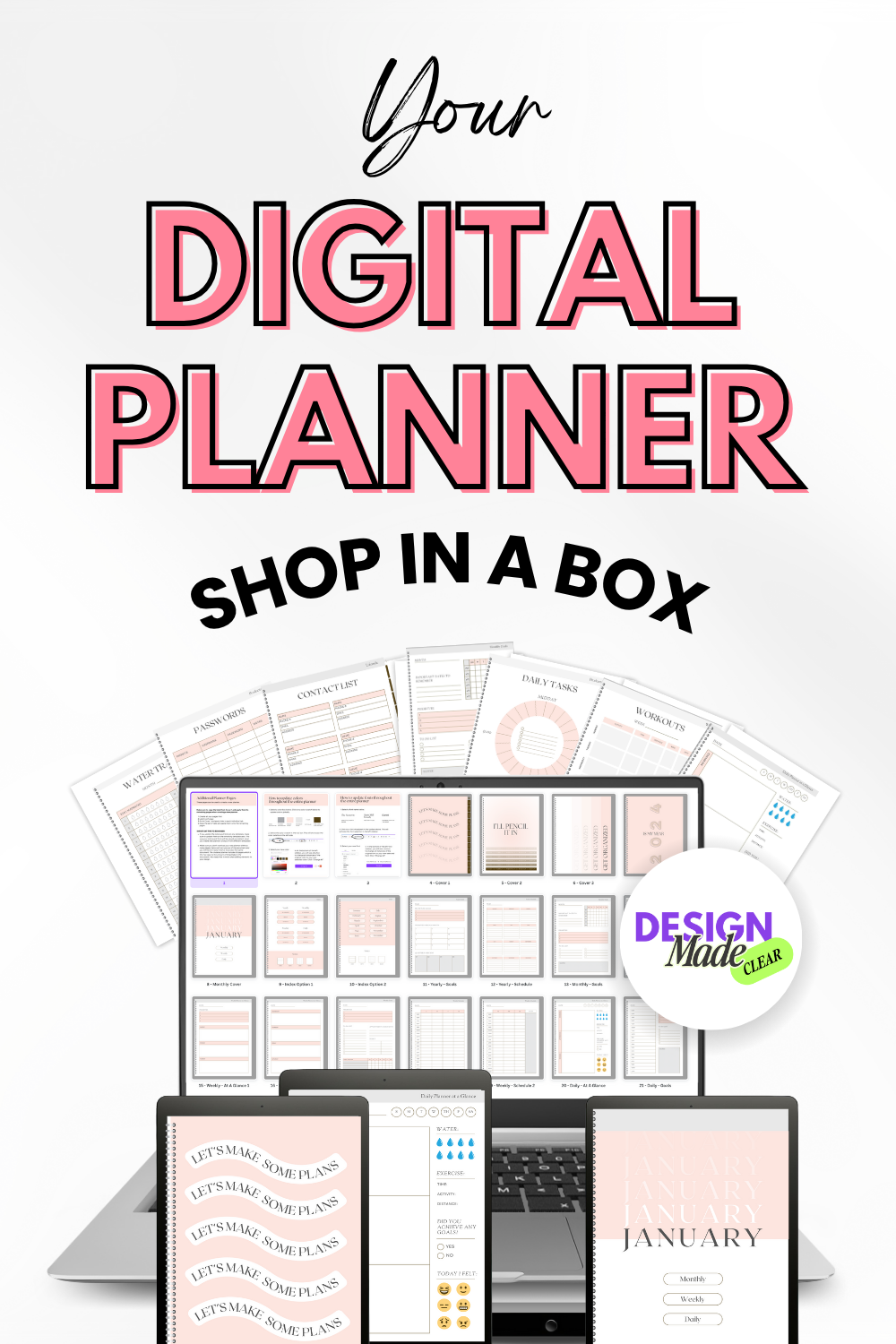
 The Digital Planner Starter Kit$37In stock
 Niche Planner Pack – 8 Editable Canva Digital Planners$24In stock
 Orange 2026 Digital Planner$9In stock
 Green and Pink 2026 Digital Planner$9In stock
10 products, prices $9–$37, as published by the shop (read from the shop 4 days ago; the shop last changed its products 22 November 2026; last change seen here 4 days ago). Prices and stock change; the shop’s website has the current ones.
About
Time-saving digital product tools that help you focus on creating your business, fast. Learn how to design vintage Halloween junk journal papers and ephemera packs using ChatGPT, MidJourney, and Canva. Beginner friendly, step by step. Learn how to design vintage Halloween junk journal papers and ephemera packs using ChatGPT, MidJourney, and Canva. Beginner friendly, step by step.
Prices
| Canva Ephemera Templates | $10 |
| The Digital Planner Starter Kit | $37 |
| The Digital Notebook Bundle | $17 |
Prices as shown on the website when it was last read; the business may have changed them since.
Frequently asked questions
How do I get my files after I buy?
Everything here is an instant digital download (a PDF with links to Canva templates or tools). The moment your payment goes through, you get a download link on the confirmation page and in your email. No waiting, no shipping.
Are these one-time payments or subscriptions?
One-time payments, always.You pay once and the product is yours to use forever. No subscriptions, no recurring charges, no account to manage.
What's your refund policy?
Because these are instant-access digital products, all sales are final. That said, if something isn't working or you're confused about how to use it, reach out and I'll do everything I can to make it right. I want you to get full value from what you bought.
I'm a total beginner. Will I be able to use these?
Yes. Everything is made to be simple to use, and most products include a step-by-step guide. The whole point of Design Made Clear is to take the hard, fiddly design work off your plate.
What is a prompt machine?
A prompt machine is a browser-based tool that builds a detailed AI prompt for you. The Clipart Prompt Machine and Junk Journal Prompt Machines include custom GPTs. All you need is a ChatGPT subscription ($20/m). The Planner Prompt Machine is a browser-based tool that creates planner prompts you can paste into an AI image tool to generate the image (and resell!). It takes the guesswork out of getting good results from AI.
Can I sell what I make with the tools?
Yes. The designs you create are yours to sell on Etsy or anywhere else. The tools and templates are licensed for your personal use, so please don't resell or redistribute them.
How do I contact you?
Head to the Contact page or email me directly, and I'll get back to you. If you're having trouble with a download or a tool, include your order number so I can sort it out fast.
Do I need to change the product before selling?
Canva templates in each bundle system require customization before resale. This means you must update colors, fonts, and any images.
What can I do with these bundles?
These bundles include step-by-step systems with tutorial instructions. They help you create a customized product in a fraction of the time. You start with ready-made templates and customize them to make them your own.When finished, export your designs as flattened PDF or PNG files and sell those final products.I recommend starting with Etsy or Stan Store. Both platforms work well for beginners and keep setup simple.You only need a few things to get started:• A product to sell, like this planner• A small set of mockup images• A clear product descriptionOnce your listing goes live, share it on s
Do you offer refunds?
All products are digital downloads. Refunds are not offered once files are delivered. If you experience an issue with your purchase, reach out so it can be resolved.
What can I not sell?
You do not resell or share the Canva templates or the bundle itself.
Who do I contact for support or questions?
For questions, support, or help with your purchase, email info@designmadeclear.com. Messages receive a response within 24 hours.
Can I edit the planners?
Yes. Every planner is fully editable in Canva. You can change colors, fonts, layouts, and add your own branding before selling or sharing. You can also resell it as-is but we recommend at least updating the cover.
Can these planners be used in GoodNotes or Notability?
Yes. Just save each planner as a Standard PDF in Canva, and open the PDF in GoodNotes, Notability, or other note-taking apps that support hyperlinks.
Why purchase digital products with resell rights?
MRR (Master Resell Rights) products enable you to resell them as your own digital products. You keep 100% of the profit. You’re also allowed to sell them with the same MRR license, so your customers can do the same.You can also resell them as PLR or for personal use. It's really up to you!
What's the difference between PLR and MRR digital products?
PLR (Private Label Rights):With PLR, you may edit and customize these Canva templates, and resell them as a flattened, non-editable PDFs for your customers’ personal use. You cannot share or resell the original Canva files.MRR (Master Resell Rights):With MRR, you can resell the Canva files as-is, and you may also pass on the resell rights to your buyers so they can also resell as MRR.
How do I start a shop?
I recommend starting on Etsy or Stan Store. They’re the easiest platforms for beginners.You’ll only need:• A product to sell (like this planner)• A few mockup images• A product descriptionOnce your listing is live, share it on social media or Pinterest to drive traffic. You can also create a simple link-in-bio page so people can find all your products in one place.
8 of 11 key fields on this card have a value. Missing: Location or service area, Opening hours, Features.
- Name
- Summary
- About text
- Contact
- Address or area (missing)
- Opening hours (missing)
- Services, prices
- FAQs
- Features (missing)
- Social profiles
- Booking, order, menu