DTF Supplies
Shops & Retail in Falkirk · Web shop on WooCommerce · dtfsupplies.co.uk
Shop DTF transfers, gang sheets, films, inks and printers. Order custom UV TPU badges, TPU printers, consumables and artwork services from DTF Supplies UK.
WebsiteCallDirectionsMenuContact
- Address
- 4 Boyd St, Falkirk FK2 7BL, United Kingdom Map
- Country
- United Kingdom
- Opening hours
- Closed now · opens 09:00All opening hours
- Phone
- +441324610156
- Payment
- iDEAL
- Languages
- English
- Service area
- United kIngdom
- Shipping information
- Shipping page
- Trust marks
- Google Reviews
- Social
What they sell
Web shop on WooCommerce: 38 products, £0.74–£12,999
Show 12 more categories
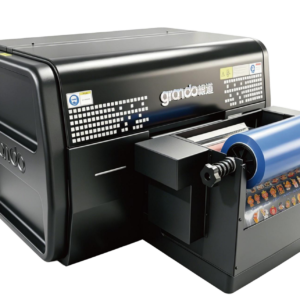 Grando GD-A301UV Hybrid UV Flatbed & Crystal-Label Printer£6,800In stock
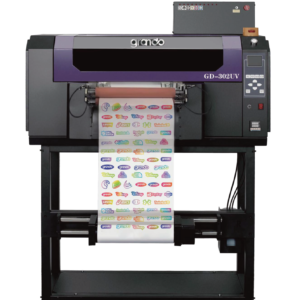 Grando GD-302UV 3D Gel-Effect Badge Printer (300 mm)£6,800In stock
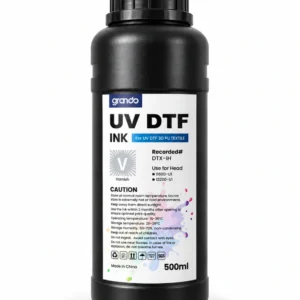 Grando UV DTF Varnish 500ml – Clear Finish Ink£52In stock
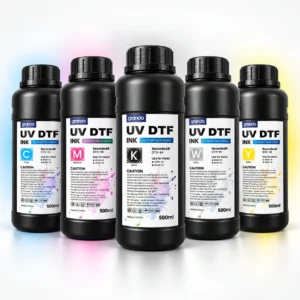 Grando UV DTF Ink 500ml – CMYK & White£52–£250In stock
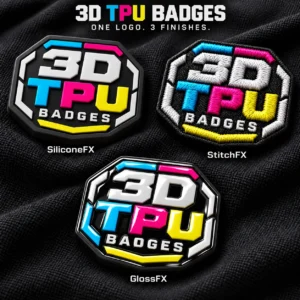 Custom UV TPU Badges — Heat Apply Ready£0.74–£2.49In stock
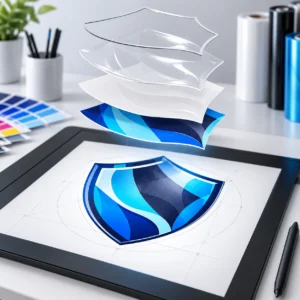 UV TPU Badge Artwork & Digitalisation Service£10In stock
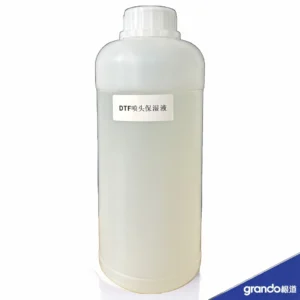 Grando DTF Printhead Nozzle Moisturizer – 1KG (1L) | Anti-Dry Protection Fluid£20In stock
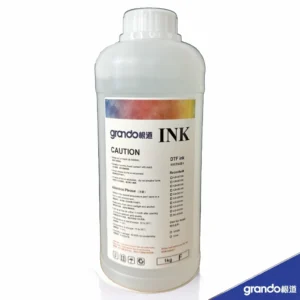 Grando DTF Head Cleaner / Cleaning Solution – 1KG (1L) | Printhead Maintenance Fluid£15In stock
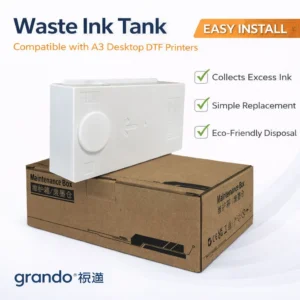 Grando Waste Ink Tank (Maintenance Box) for A3-301 DTF Printer – Easy Replacement£39In stock
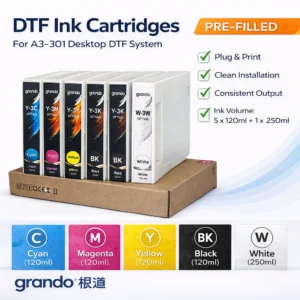 Grando CMYK + White DTF Ink Cartridge Set – Pre-Filled for A3-301 Desktop DTF Printer£199In stock
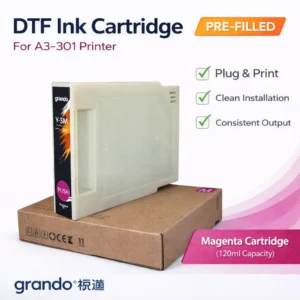 Grando Magenta DTF Ink Cartridge – Pre-Filled for A3-301 Desktop DTF Printer (120ml)£39In stock
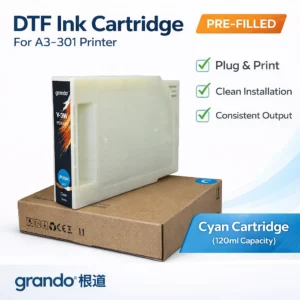 Grando Cyan DTF Ink Cartridge A3 – Pre-Filled for A3-301 Desktop DTF Printer (120ml)£39In stock
12 of 38 products, prices £0.74–£12,999, as published by the shop (read from the shop 23 h ago; the shop last changed its products 24 November 2026; last change seen here 23 h ago). Prices and stock change; the shop’s website has the current ones.
Opening hours
Closed now · opens 09:00
| Mon–Fri | 09:00–17:00 |
|---|---|
| Sat, Sun | Closed |
Times in the business’s local time (Europe/London).
About
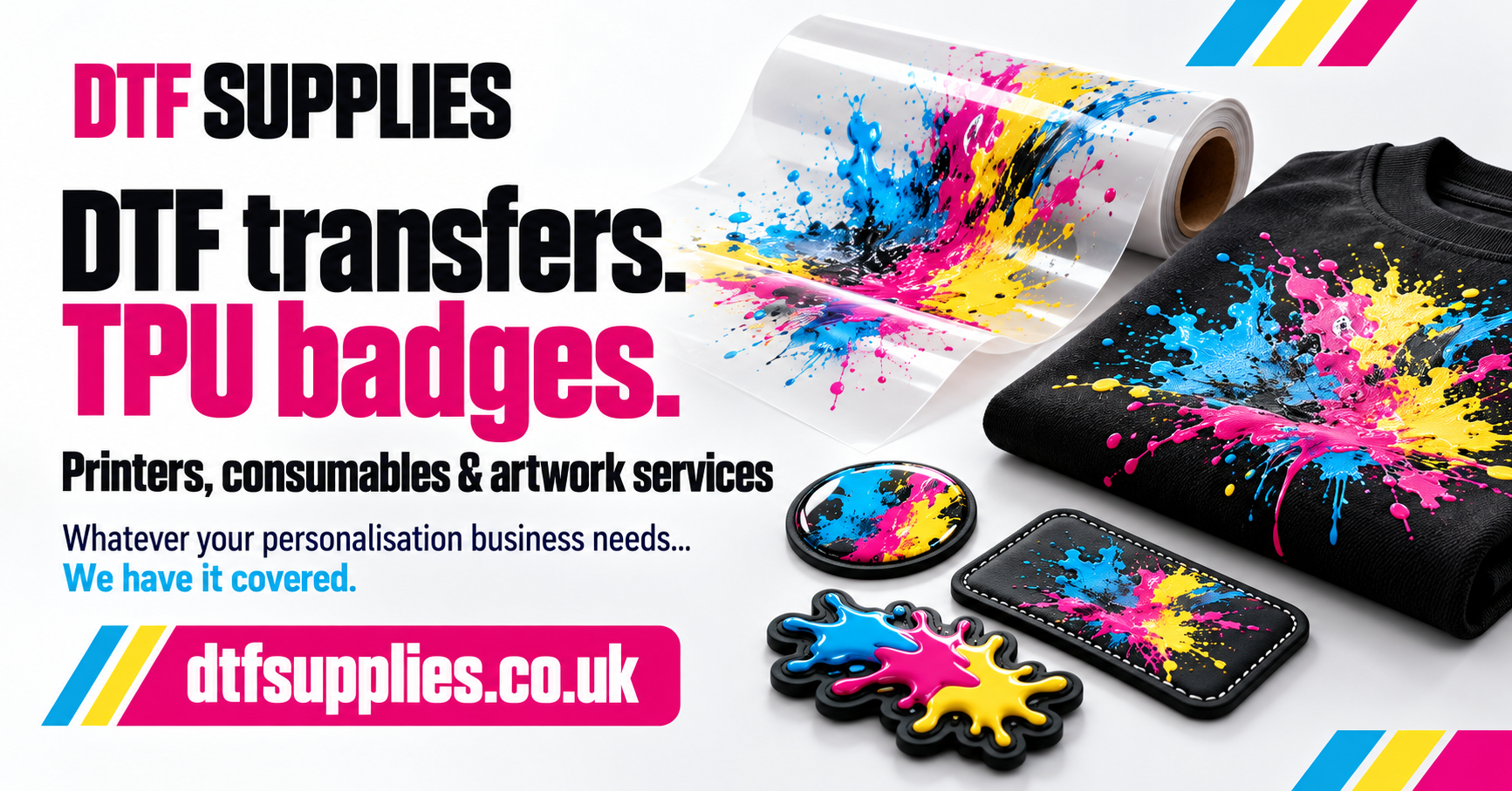
Printing experience you can turn to. Products you can put to work. We produce DTF transfers and custom TPU badges in-house, supply printers and consumables, and help personalisation businesses take their next step—with practical guidance in our shop and online. DTF Supplies started in 2019. The experience behind it goes back much further.
Services
- Give your existing artwork a cleaner starting point · Have a logo or image that looks pixelated when enlarged? Vectorisation recreates the design as scalable artwork, with file versions you can use for your next print project.
- One design, useful file versions · The listed deliverables are SVG, PDF, PNG and JPG. They serve different purposes: PNG and JPG are image exports, rather than vector formats.
- Scalable artwork · SVG and PDF versions of your vectorised design provide a basis for your print workflow. Tell us about any specific software or production requirements.
- Image exports · PNG and JPG versions are also listed. Include the intended output size in your brief so the image versions can be discussed for that use.
- Background removal · Background removal is included with vectorisation. Point out which background elements should be removed and which parts belong to the design.
- A clear brief helps preserve the right details
- Make uncertain details visible · If the source image is blurry, add a written note for text and fine features that are hard to read. This helps avoid guessing what the original design should contain.
- Know which file you need next · Check the requirements of the printer, supplier or application receiving your artwork. A file extension alone does not establish every production setting.
- SVG and PDF · Use the vector artwork versions where the receiving workflow supports them. Confirm the required size and artwork setup.
- PNG · An image-format version for workflows that request PNG. Confirm the required dimensions and background treatment.
- JPG · An image-format version for workflows that request JPG. JPG does not support a transparent background.
- From source image to your next project
- Upload and explain · Use the existing uploader and add your intended use, size, colours and requested background treatment.
- Review the result · Check wording, shape and colour choices against the original brief using the existing order-review process.
- Use the right version · Choose the file your next workflow requires. Order any printed DTF transfers separately once the artwork is ready.
- Before you order
- Choose the right next step
- DTF Transfers: Print Ready Upload · Order printed transfers when your completed artwork is arranged as a print-ready sheet.
- DTF Transfers: Gangsheet Builder · Arrange your completed designs in the online builder before ordering printed transfers.
- Embroidery Digitizing Service · Choose digitizing when the next step is a stitch file for embroidery.
- UV TPU Badge Artwork · Choose the specialist artwork service when preparing a UV TPU badge production workflow.
- Additional
- Details
- How to send files
- Artwork Requirements
- Turn your design into embroidery stitch artwork · Prepare your logo or design for embroidery with a digitizing brief built around its finished size. Share the source artwork, colour references and production requirements before the stitch file is prepared.
- An embroidery file starts with the right brief · This service converts artwork into an embroidery design. It is a digital file service; garment embroidery is a separate production step.
- Digitised embroidery artwork · Your design is prepared as stitch artwork for the agreed job. Provide the finished dimensions rather than relying on the size of the image on screen.
- Colour and detail requirements · Supply thread colours or Pantone references and identify important lettering or fine elements. These details belong in the brief from the start.
- Output format to agree · Tell us your embroidery machine and software, plus the file format they need. The current product page does not list a standard output-format bundle.
Prices
| Skip to content | £0.00 |
| Register | £0.00 |
| Vectorisation Service | £12.50 |
| Embroidery Digitizing Service | £10.00 |
Prices as shown on the website when it was last read; the business may have changed them since.
Frequently asked questions
Is there any charges to design gangsheet online?
No, Its free.
How to upload artwork?
Step 1: Click the box given above and select your file or drag the file directly on it. Step 2: Write the number of prints you want for this sheet.Note: If you have more files, repeat this step.Step 3: Click the “Upload selected files” button.Step 3: Click the “add to cart” button and then proceed to checkout or shop for other services/products.
How to design Gangsheet online?
It is very easy to build gangsheet with our builder. There are two methods to build gangsheet.Auto BuildManual BuildAuto BuildClick here to open product.Select desire sizeClick on “Build your gangsheet” button.Now select “Auto Build” from popup window.Now all you need to select your artwork one by one, set margin, set size and all done.For detailed demo check this video made for you!.
What are pressing instructions?
Temperature: 160 CelsiusPressure: HeavyTime: 8-10 secPeel: Hot/Warn or Cold
What is UV TPU badge digitalisation?
UV TPU badge digitalisation is the process of converting your logo, sketch or existing design into production-ready artwork for UV TPU badge printing. We prepare the artwork, separate the print layers, create white and varnish channels where required, and provide a realistic 3D proof before production.
What do I need to send to start my badge artwork?
You can send a logo, image, vector file, sketch, or design idea. Vector files such as AI, EPS, PDF or SVG are best, but we can also work from PNG or JPG files if the quality is good enough. If the artwork is low quality, we will advise what can be improved before setting up the file.
Can you create UV TPU badge artwork from a rough logo or screenshot?
Yes. We can clean up rough artwork, redraw simple logos, improve edges, and prepare the artwork for UV TPU badge production. If the logo is very low resolution or complex, extra redraw work may be needed before the badge can be prepared properly.
What layers are included in a UV TPU badge artwork file?
A typical UV TPU badge artwork setup can include CMYK colour artwork, Spot_1 white underbase or build layer, Spot_2 varnish or gloss layer, and a contour cut line. The exact layer setup depends on the badge style and the effect you choose.
What is Spot_1 white used for?
Spot_1 white is normally used as the white underbase and build layer. It helps colours print correctly on TPU material and can also be used to create raised areas depending on the production setup.
What is Spot_2 varnish used for?
Spot_2 varnish is used for gloss, depth and protection. It can be applied to selected areas such as borders, text, stripes, icons or details to create a premium glossy finish while other areas remain matte.
Can you create an embroidery-style TPU badge effect?
Yes. Our TPU StitchFX™ artwork style is designed to create an embroidery-inspired texture. It is not thread embroidery, but the artwork is prepared to visually replicate a stitched badge effect when printed correctly.
Do you provide a 3D proof before production?
Yes. We provide a realistic 3D proof so you can see how the badge should look before production. This helps confirm the style, colours, layer effects and overall finish before the final print-ready file is supplied.
Can I request changes after seeing the proof?
Yes. You can request changes after reviewing the proof. We recommend checking spelling, colours, shape, size, badge style, and any gloss or raised areas carefully before approving the final artwork.
What file format will I receive?
The final format depends on your production workflow, but UV TPU badge artwork is usually supplied as a print-ready layered file with the required colour, white, varnish and cut layers. We can prepare files for professional UV TPU badge production workflows.
Can you prepare artwork for my own UV printer?
Yes. If you have your own UV printer or Grando UV TPU badge setup, we can prepare the artwork layers for your production workflow. You should tell us your RIP/software requirements, spot colour names, cut line requirements and preferred file format before we prepare the final file.
Is the artwork fee one-off?
Yes, the badge setup fee is normally a one-off artwork/setup fee for that design. Once approved, the same design can be used again for repeat badge orders unless changes are required.
Which file formats are listed?
SVG, PDF, PNG and JPG. SVG is a vector format; PNG and JPG are image formats. Tell the team about any specific software or supplier requirements.
Is background removal included?
Yes. The current service includes background removal. Identify the parts to remove and any background elements that belong to the design.
Can the team work from a low-quality image?
Send the clearest version available, with written notes for any unreadable text or unclear details. Ask the team to review suitability where important detail is missing.
Does this include printed DTF transfers?
Printed transfers are a separate order. After the artwork is finalised, use Print Ready Upload for a prepared sheet or the Gangsheet Builder to arrange your designs.