HALOBAND
Shops & Retail in San Francisco · Web shop on Shopify · haloband.com
Shop HALOBAND Super Cable: up to 80Gbps data transfer, 240W charging and 8K video in durable USB-C cables built for demanding setups. Worldwide shipping.
- Country
- United States
- support@haloband.com
- Founded
- 2013
- Languages
- English, German, Japanese
- Ships to
- Worldwide
- Shipping information
- Shipping page
What they sell
Web shop on Shopify: 9 products, $4.95–$99
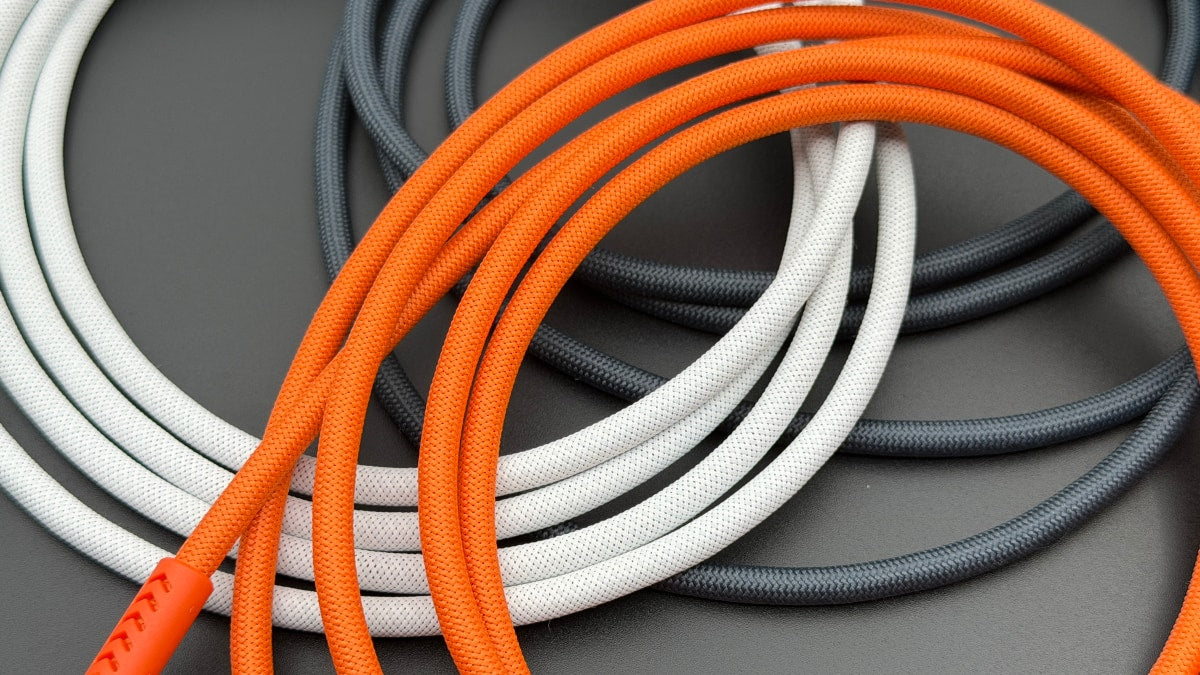
 Super Cable Color Edition — Late Pledge Pre-Order$18–$36In stock
 USB 80Gbps Super Cable — 8K Video · 240W · The World's First$29.95–$79.95In stock
 Universal Super Cable — USB-C & USB-A · 20Gbps · 100W$12.99–$14.99In stock
 USB-C 20Gbps Super Cable — 100W · 4K · Fast & Durable$12.99–$19.99In stock
 Bitcube NVMe SSD Enclosure — 2800MB/s · Carbon Fiber · Up to 8TB$99In stock
 USB-A to Lightning Super Cable — 2M · Ballistic Fiber · MFi Certified$9.99In stock
 USB-C to Lightning Super Cable — 2M · Fast Charge · MFi Certified$9.99In stock
 USB 4 Super Cable — 40Gbps · 100W · 8K$19.95–$39.95In stock
 High-Speed USB-A to USB-C Adapter$4.95Out of stock
9 products, prices $4.95–$99, as published by the shop (read from the shop 24 h ago; the shop last changed its products 22 November 2026; last change seen here 24 h ago). Prices and stock change; the shop’s website has the current ones.
About
New products, restocks, and practical connection tips. Sent occasionally. Haloband was founded in 2013 with a simple belief: everyday tech should never feel disposable. We started with a product-driven mindset — to create digital accessories that we would genuinely want to use ourselves. Products with thoughtful design, dependable performance, and the durability to stand up to real daily use.
Services
- Your SSD Deserves a Better Home · The Bitcube is built for creators, professionals, and power users who refuse to compromise on speed. Wrapped in premium carbon fiber and engineered for blazing-fast NVMe performance, it's the last SSD enclosure you'll ever need.
- ⚡ Blazing Fast Performance
- 🛡️ Premium Build Quality
- 🔌 Broad Compatibility · Built for Speed. Built to Last.
- Tech Specs · Built for Speed. Built to Last.
- FAQs
- You may also like
Prices
| Subtotal | $ 0.00 |
| from | $ 18.00 |
| Regular price | $ 24.99 |
| Sale price | from $ 12.99 |
| Bitcube NVMe SSD Enclosure — 2800MB/s · Carbon Fiber · Up to 8TB | $99 |
Prices as shown on the website when it was last read; the business may have changed them since.
Frequently asked questions
About Disk Format
For Mac only, APFS is the best.If you plan to use your drive for File History backups on a Windows computer, and you use only Windows, stick to NTFS (New Technology File System). NTFS is native to Windows, and most hard drives are preformatted for this file system. macOS and Linux computers, however, can only read files stored on such a drive; they cannot write to an NTFS-formatted drive.If you need to transfer files between Mac and Windows computers, exFAT (extended File Allocation Table) is the best option.https://support.apple.com/guide/disk-utility/file-system-formats-dsku19ed921c/mac
PCIe3.0 or PCIe4.0?
PCIe 3.0 is enough, and considering the future scalability and the stability brought by the updated technology, PCIe 4.0 is also recommended.
How to improve the performance on a PC?
If you notice a performance drop when an external hard drive is connected to your computer (for instance, an SSD hard drive connected to the Thunderbolt 3 port), the following settings can be enabled to help increase the performance:https://www.dell.com/support/kbdoc/zh-cn/000125479/how-to-improve-performance-of-external-hard-drive?lang=en
How to Format an SSD in Windows
Click here
Why doesn't it show connection in my computer?
The default format of bitcube (with SSD) is APFS, which will not be displayed in Windows. You need to enter Desk Management to delete and reformat the SSD to NTFS or exFAT.