
LightBurn Software
Software & SaaS in Dover · Web shop on Shopify · lightburnsoftware.com
LightBurn laser engraving and cutting software for personal and professional laser cutters.
- Country
- United States
- Payment
- PayPal
- Languages
- English
- Ships to
- United States, Australia, Brazil, Canada
What they sell
Web shop on Shopify: 38 products, $5.95–$614.95
 LightBurn Surcharge on Seats - Core to Pro Upgrade$28.95In stock
 MillMage Surcharge on Seats - Core to Pro Upgrade$28.95In stock
 MillMage Core Floating License Key [10 Seats]$306.95In stock
 MillMage Pro Floating License Key [10 Seats]$614.95In stock
 Add a Year of Updates to your MillMage License Key$44.95In stock
 Upgrade MillMage Core to MillMage Pro$112.95In stock
- MillMage Pro License Key$222.95In stock
 MillMage Pro Additional License Seat$56.95In stock
 MillMage Core Additional License Seat$28.95In stock
- MillMage Core License Key$110.95In stock
 Swag Pack$16.95In stock
 LightBurn Tie Dye Hoodie$72.95In stock
12 of 38 products, prices $5.95–$614.95, as published by the shop (read from the shop 39 h ago; the shop last changed its products 22 November 2026; last change seen here 39 h ago). Prices and stock change; the shop’s website has the current ones.
About
LightBurn and MillMage licenses are perpetual. All licenses come with one year of free updates — after a year, you can choose to purchase another year of updates, or stay on your current version until the end of time (or until we add a new feature you've got to have). No. We answered this one above, but it's a point we like to repeat. Our licenses are perpetual, updates are optional, and you never have to pay a subscription. LightBurn is our software for laser cutters and engravers. You can learn more about the differences between our Core and Pro licenses here.Information on the differences between the Core and Pro licenses for MillMage, our software for CNC routers, is available here.
Prices
| LightBurn Core License Key | €110.95 |
| LightBurn Pro License Key | €222.95 |
| Add a Year of Updates to your LightBurn License Key | €44.95 |
| Upgrade LightBurn Core to LightBurn Pro | €112.95 |
| MillMage Core License Key | €110.95 |
Prices as shown on the website when it was last read; the business may have changed them since.
Frequently asked questions
How long does a license last?
LightBurn and MillMage licenses are perpetual. All licenses come with one year of free updates — after a year, you can choose to purchase another year of updates, or stay on your current version until the end of time (or until we add a new feature you've got to have).
Is it a subscription?
No. We answered this one above, but it's a point we like to repeat. Our licenses are perpetual, updates are optional, and you never have to pay a subscription.
Which version do I need?
LightBurn is our software for laser cutters and engravers. You can learn more about the differences between our Core and Pro licenses here.Information on the differences between the Core and Pro licenses for MillMage, our software for CNC routers, is available here.
What operating systems does the software run on?
LightBurn and MillMage are natively written for Windows (10+) and macOS (13+).
How can I learn to use the software?
We provide comprehensive User Guides and video tutorials for both LightBurn and MillMage.
Purchase
LightBurn LightBurn Core LightBurn Pro Add a Year of Updates Upgrade LightBurn Core to Pro Add Seats to Your license MillMage MillMage Core MillMage Pro Add a Year of Updates Upgrade MillMage Core to Pro Add Seats to Your License Hardware Merchandise
LightBurn
LightBurn Core LightBurn Pro Add a Year of Updates Upgrade LightBurn Core to Pro Add Seats to Your license
MillMage
MillMage Core MillMage Pro Add a Year of Updates Upgrade MillMage Core to Pro Add Seats to Your License
Guides & Tutorials
LightBurn MillMage
Support
LightBurn MillMage
What's a seat, and how does the license work?
Each seat lets you activate LightBurn on one computer at a time, so a 10-seat key can be activated on 10 machines at one time. Activations aren't permanent — you can release a seat from an old computer and use it on a new one. We also offer a special Floating license option. It allows unlimited activations, and the number of seats determines how many computers can use LightBurn at the same time. Floating licenses require a minimum of 10 seats. LightBurn must stay connected to the license server at all times to verify the license. For setup instructions, see how to install a floating key. Your
Not sure which version you need?
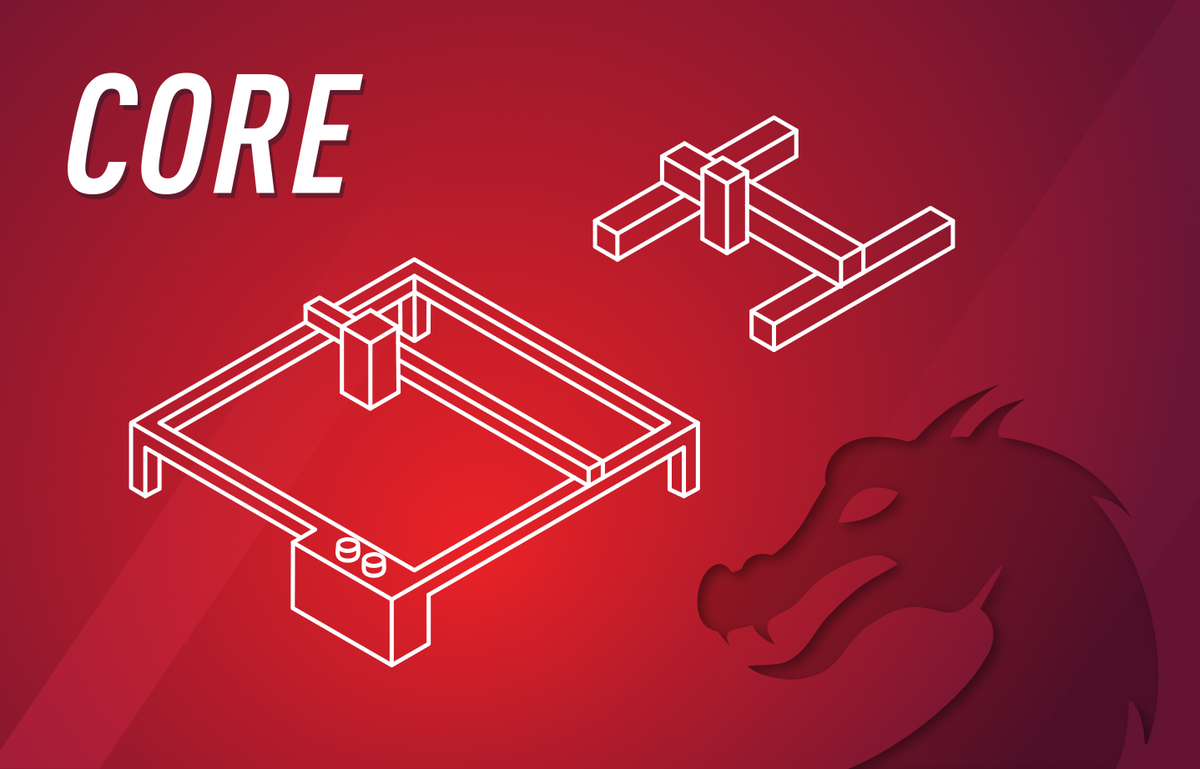
Core covers GCode-based lasers — most diode, desktop, and entry-level machines, commonly running GRBL (or similar), Smoothieware, or Marlin firmware. Pro includes everything in Core, plus support for DSP controllers (Ruida, TopWisdom, Trocen, Epilog) and Galvo controllers (BSL, EZCad2, EZCad3), used by higher-end and light-industrial machines. Full version comparison →
Fixed vs. Floating licenses — which do you need?
Fixed licenses are tied to a specific computer when activated. You can release a seat and move it to a different computer at any time through the in-app License Management Window, our online license portal, or by emailing support. Offline activations available for machines without internet access. You can system-lock a fixed license to allow all users on the same computer to use the key. This is the right choice for most buyers. Floating licenses share seats from a pool rather than tying them to specific computers, which suits shared labs. A room of 100 license-activated computers used by 30 p
Return Policy
To request a refund for a recently purchased license, contact us atsupport@lightburnsoftware.com. We consider all refund requests on a case-by-case basis, and reserve the right to deny any request.