Mastering The Mix
Shops & Retail in London · Web shop on Shopify · masteringthemix.com
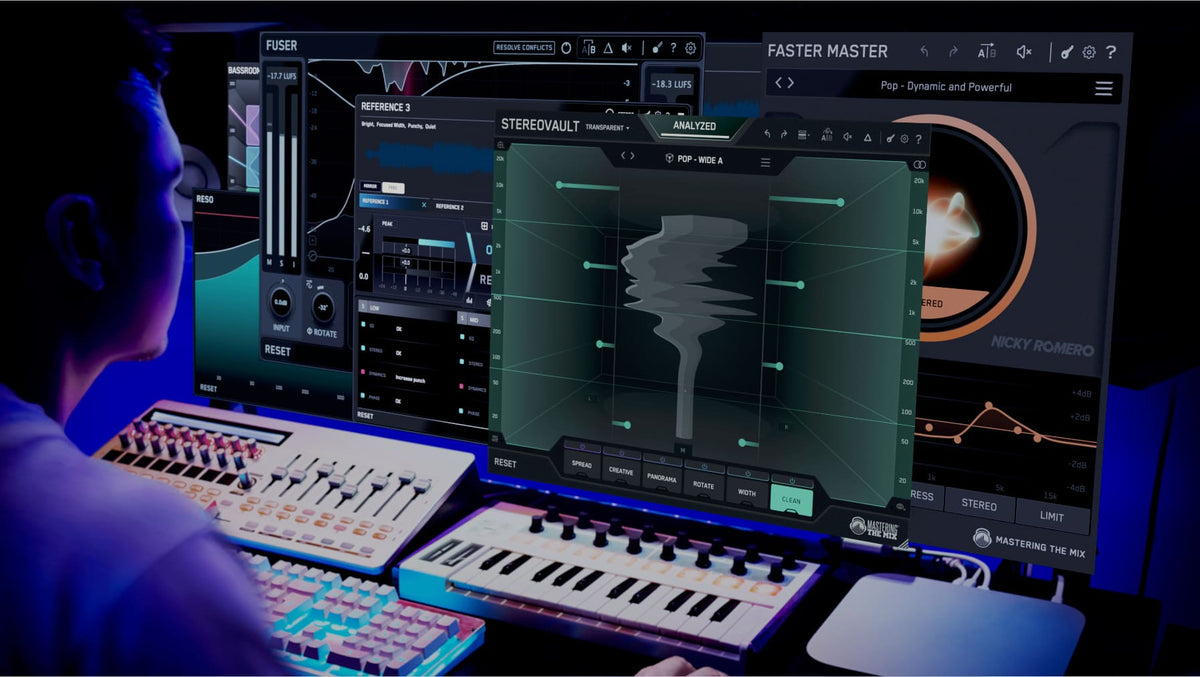
You’ll solve the hardest problems you face in the studio and create better-sounding music when you use Mastering The Mix plugins.
- Country
- United Kingdom
- Read on: /meta.jsonshop platform data
- Founded
- 2016
- Read on: /pages/about-uspage text
- Payment
- Visa, American Express, PayPal, Apple Pay, Google Pay, Maestro, iDEAL
- Read on: home pagepage text
- Languages
- English
- Read on: home pagepage metadata
- Ships to
- Worldwide (55 countries)
- Read on: /meta.jsonshop platform data
What they sell
Web shop on Shopify: 20 products
 CARBON Q | Connected EQ For Your Whole MixIn stock
 MIXVAULT | Fast, Smart, Honest EQIn stock
 STEREOVAULT | Get The Right Stereo WidthIn stock
 REFERENCE 3 | Match The Sound Of Your Favorite TracksIn stock
 FASTER MASTERIn stock
 Bestseller BundleIn stock
 FUSER | Fix Frequency MaskingIn stock
 All PluginsIn stock
 Mastering Essentials BundleIn stock
 EQ Excellence BundleIn stock
 LIMITER | Intelligent Limiting for Modern MusicIn stock
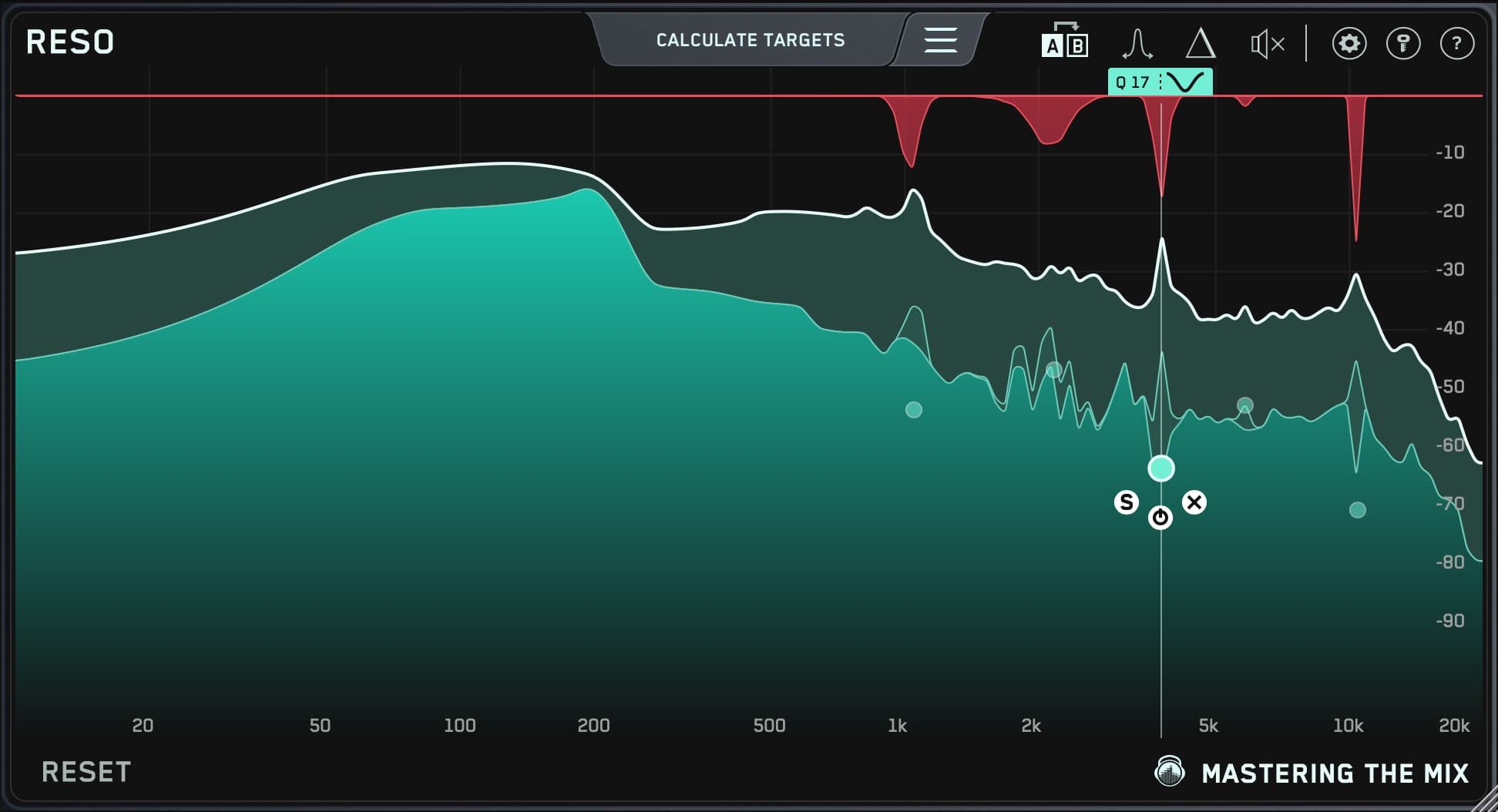 RESO | Fix Harsh ResonancesIn stock
12 of 20 products, as published by the shop (read from the shop 2 days ago; the shop last changed its products 24 November 2026; last change seen here 2 days ago). Prices are being read again; the shop’s website has them.
About
Our plugins show you what's really happening in your mix and guide you toward the same decisions pro engineers make. So you get professional results, faster. Featured by leading music technology publications and used in studios from independent bedrooms to globally-recognised production teams. Beatport · Plugin Boutique · MusicTech · Computer Music · Ableton · Hyperbits · MusicRadar · Mastering.com · Plugin Alliance · Fender · Audio Plugin Guy · Sound On Sound · Bedroom Producers Blog · SAE Institute
Frequently asked questions
Plugins
View All CARBON Q REFERENCE 3 FASTER MASTER MIXVAULT STEREOVAULT FUSER RESO BASSROOM LIMITER EXPOSE LEVELS ANIMATE
Bundles
All Plugins Bundle Bestseller Bundle Mastering Essentials Bundle
Free Resources
EQ Academy How to Balance and EQ a Mix Audio Mastering Complete Guide How To Stem Master A Song How to Use Reference Tracks How to Mix Low-End How to Get the Right Stereo Width How Loud Should You Master?
What is CARBON Q?
CARBON Q is an eleven band EQ spread across your whole session. A MIX instance on your output channel and agents on your vocals, music, drums and bass let you set the tonal balance and volume balance of every channel from one window.
Can CARBON Q match the sound of a reference track?
Yes. Drop any song into the reference tracks tab and CARBON Q separates the stems, measures the EQ and volume balance of each part, and turns it into a preset for your whole session. To use a reference on one channel only, unlink that agent and choose the reference there.
Does CARBON Q move my DAW faders?
No. Each instance sets its own output gain on the channel it sits on, so your faders and automation stay exactly where you left them.
Do I need an instance on every channel?
No. Use the roles that match your session. Always keep a MIX instance on your output channel, because it calculates the Smart Presets from the whole session and shares them with the agents.
Does my audio get uploaded anywhere?
No. Analysis and stem separation run on your machine. Nothing leaves your computer.
Does CARBON Q add latency?
CARBON Q uses max quality linear phase filters with 41 ms of latency. It reports that latency to your DAW, so everything stays in time. If you need low latency monitoring while recording, use your DAW's low latency mode.
What does REFERENCE 3 do?
REFERENCE 3 lets you A/B your mix or master against professional reference tracks inside your DAW, with instant level-matched switching and visual analysis of tonal balance, loudness, stereo width, and dynamics, so you can make confident, objective mixing and mastering decisions.
Why should I use reference tracks when mixing and mastering?
Reference tracks give you an objective target. Your ears adapt over a long session, so a mix can drift without you noticing. Comparing against a track you know sounds great keeps your tonal balance, loudness, and low end honest, and helps your music translate everywhere.
Does REFERENCE 3 match the loudness of my track and the reference?
Yes. REFERENCE 3 level-matches your track and your reference so you compare tone and balance fairly, not just which one is louder. Because louder usually sounds better to our ears, level matching is essential for making accurate decisions.
Can I import my own songs as reference tracks?
Yes. You can load and organise your own reference tracks, so you always have the right sonic target for the genre you are working in. Comparing against references that match your style is far more useful than a generic preset.
What does FASTER MASTER do?
FASTER MASTER is a quick mastering plugin that gets you a loud, balanced, release-ready master in minutes. Co-created with David Guetta and Nicky Romero, it streamlines mastering so you can finish tracks fast without sacrificing competitive loudness or a clean, professional tonal balance.
How is FASTER MASTER different from AI mastering services?
Unlike online AI mastering services that process your track on a server, FASTER MASTER runs inside your DAW, so you keep full control, hear changes in real time, and your files stay private. It is guided and fast, but you make the calls rather than handing your master to a black box.
Is FASTER MASTER good if I am not a mastering engineer?
Yes. It makes mastering approachable without years of experience, guiding you toward a competitive, balanced master while still leaving room for your own decisions. It is a strong choice for producers who want fast, professional-sounding results without a deep mastering background.
Will FASTER MASTER make my track loud enough for streaming?
Yes. FASTER MASTER helps you reach competitive loudness for platforms like Spotify, Apple Music, and YouTube while keeping your master clean and controlled, so it sits alongside commercial releases without the harsh, squashed sound that comes from over-limiting.
What does MIXVAULT do?
MIXVAULT is an immersive EQ that lets you shape your tonal balance by feel. Instead of drawing a curve, you pull frequencies closer to bring them forward and push them away to push them back, in a room that expands and contracts as you work. The bands are set and the Q is optimised for you, so the only thing you touch is the gain.
Isn't a fixed-band EQ limiting?
The opposite. Because the bands don't move, nothing smears. Dragging a frequency or squeezing a Q introduces phase ringing that blurs transients and muddies the low-end, which is why a "bigger" low-end so often ends up sounding softer. MIXVAULT's fixed, phase-stable bands mean a boost is a transparent gain change exactly where you need it. And tonal balance is 95% of EQing anyway.
Can I use MIXVAULT on individual tracks as well as the master?
Yes. MIXVAULT works on channels, busses, and the full mix. Choose Broad for fast, sweeping moves, Balanced for most mixes and masters, Detailed when you need to target something specific, or Bass to focus entirely on the low end.
Features
8 of 11 key fields on this card have a value. Missing: Location or service area, Opening hours, Booking, order, menu or pricing link.
- Name
- Summary
- About text
- Contact
- Address or area (missing)
- Opening hours (missing)
- Services, prices
- FAQs
- Features
- Social profiles
- Booking, order, menu (missing)