
thezoombackgrounds.com
Shops & Retail in Sheridan · Web shop on Shopify · thezoombackgrounds.com
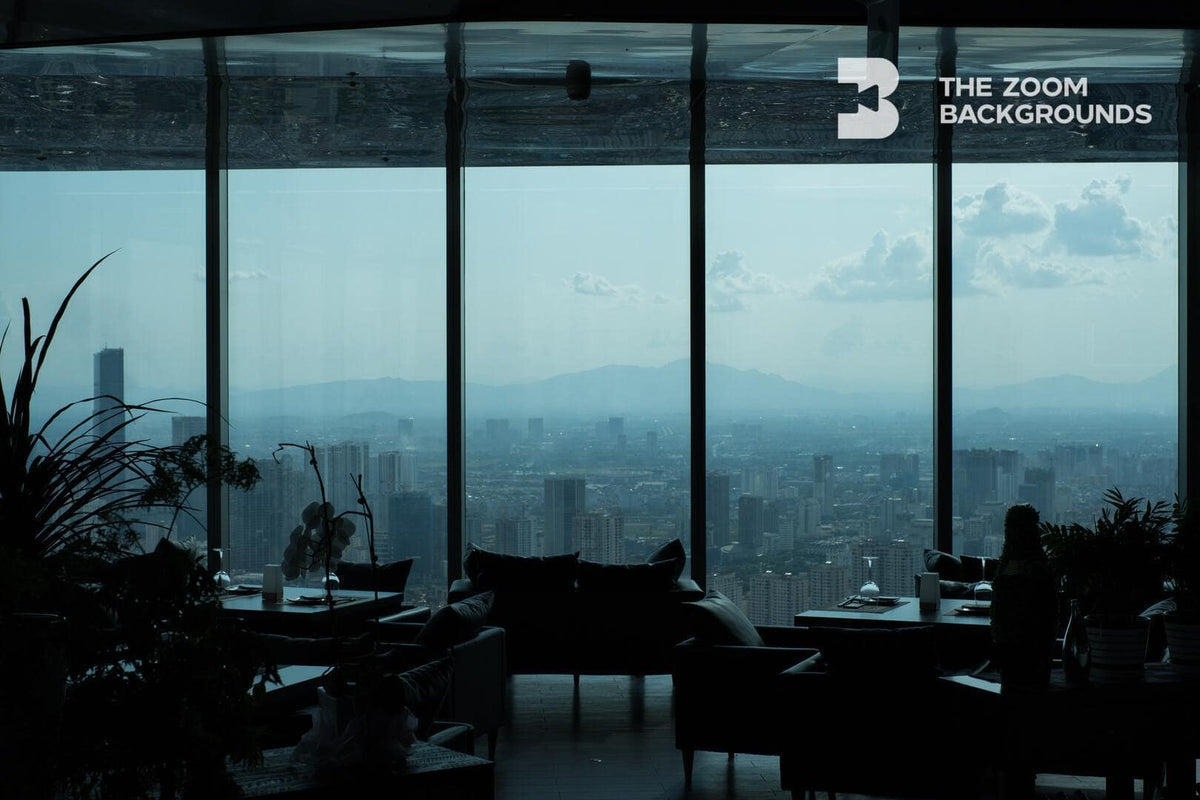
Get virtual office backgrounds for zoom! Professional images and videos for Zoom Meetings and Video Chat. Make a professional impression during video meetings. Only the highest quality backgrounds.
- Country
- United States
- Payment
- iDEAL
- Ships to
- United States
- Shipping information
- Shipping page
What they sell
Web shop on Shopify: 1,136 products, $3.71–$18.57
Show 18 more categories
 American Flag Zoom Backgrounds Bundle (20 images) + FREE e-book$18.57In stock
 Tall American Flag Pole Zoom Background$3.71In stock
 3 American Flag Stick Zoom Background$3.71In stock
 Dark American Flag and Fireworks Zoom Background$3.71In stock
 Light American Flag and Fireworks Zoom Background$3.71In stock
 Vintage American Flag Zoom Background$3.71In stock
 American Flag in 3D Cloth Zoom Background$3.71In stock
 American Flag in a Blue Sky with Clouds Zoom Background$3.71In stock
 A Field of Small American Flags Zoom Background$3.71In stock
 American Flag with Clouds in Cartoon Style Zoom Background$3.71In stock
 Glitter American Flag Zoom Background$3.71In stock
 Cartoon Style Americang Flag Cloth Zoom Background$3.71In stock
12 of 1,136 products, prices $3.71–$18.57, as published by the shop (read from the shop 38 h ago; the shop last changed its products 23 November 2026; last change seen here 38 h ago). Prices and stock change; the shop’s website has the current ones.
About
Turn that messy room into a home office, selected by professionals for you. Elevate your video calls. Turn that messy room into a home office, selected by professionals for you. Elevate your video calls. My Zoom calls just get better, my colleagues keeps asking where do I get such a nice backgrounds
Prices
| Christmas fireplace | €3,71 |
| Default Title | €18,57 |
Prices as shown on the website when it was last read; the business may have changed them since.
Frequently asked questions
How Do You Change the Background on Zoom Video?
Changing your background on Zoom, whether it is to a photo or a video clip, is very easy to do. All you have to do is open your Zoom account, head over to settings, and select Virtual Background. From there, you can either select one of Zoom’s default backgrounds or go ahead and upload one of our HD images to change your virtual surroundings.
How Do You Change the Background on a Zoom Tablet?
If you’ve joined a Zoom meeting on a tablet, you can tap on the three dots at the bottom right screen to open the menu. From here, tap on the virtual background option and select the desired image, just like you would do on a computer.
How Do I Change the Background on my Zoom Phone?
When using Zoom on your phone, you will find three little dots at the bottom of the right corner, just like you would on a tablet. You will then be taken to the main menu where you can select virtual background and choose the photo you want to insert into the call.
How Do I Change My Background on My Webcam?
Whether or not you can change the background on your webcam depends on the device and camera you are using. However, regardless of what camera software is installed in your computer, you will always be able to change your webcam background through Zoom by using one of our virtual HD background images. If your device camera allows it, you will be able to change webcam background anyway by clicking on the recording screen and selecting “change background.”
Why Does My Zoom Background Not Work?
If your Zoom background is not working even though you took all the right steps to set it up, then chances are the background settings are not enabled. Head over to a computer where you can log into Zoom via a web browser. From there, find the meeting tab and click on virtual background. Make sure to enable this setting if it was disabled before. You will now be able to add your virtual background with ease.
Can You Blur Background in Zoom?
Yes, you can set up a blurred background in Zoom by choosing one of our HD blur images. We have an entire category dedicated to blurred backgrounds so you can find the kind of backdrop that fits your needs best. This image can be inserted into Zoom like any other.
How Do I Use a Green Screen Without a Green Screen?
Setting up a green screen can be expensive and complicated. However, if you use Zoom for video calls, you won’t need to invest money into getting green screen equipment. Instead, you can easily change your background into any image or video on our site and achieve the same results as if you were working with a green screen.
What Are Zoom Background Options?
Zoom will usually give you a couple of default background options such as the picture of the Golden Gate bridge or other landmarks around the world. If you want to get the most out of Zoom’s customized background feature, make sure to use one of our HD virtual images to create any kind of background you want.
Is It Okay to Use Zoom Backgrounds?
Yes, it is perfectly okay to use virtual HD images as Zoom backgrounds. There is no reason why you shouldn’t do it, especially since Zoom encourages their users to take advantage of this convenient feature.